
Ink Screens for Clocks & Weather: Designing Stylish Systems


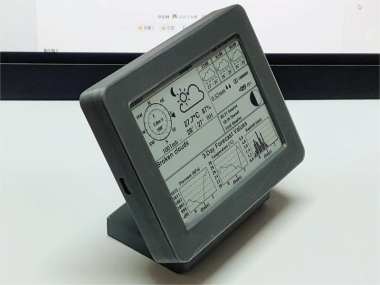
Discover the possibilities of incorporating ink screens into your clock and weather forecast setup. Whether you're working with a small 2.13-inch screen, a medium 4.2-inch display, or a larger 7.5-inch panel, this guide will help you design a visually appealing and functional system. From selecting the right components to creating a seamless user interface, explore the world of ink screens for stylish timekeeping and accurate weather updates.
If there Ink screens are used for clocks and weather forecasts, and a reasonable layout UI needs to be designed for different sizes of ink screens.
Ⅰ. 2.13-inch small screen
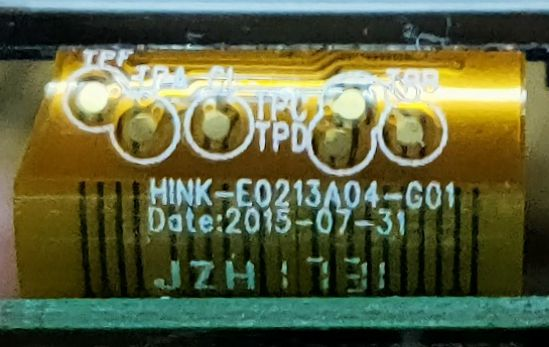
Although the Han Shuo Stellar-M price tags have the same appearance, they actually use two types of ink screen panels (both with a resolution of 400300). One type is a 212104 grayscale type (not the one to be used this time), and the other is a 250*122 monochrome type. The cable model number is as follows, which is the target of this production.
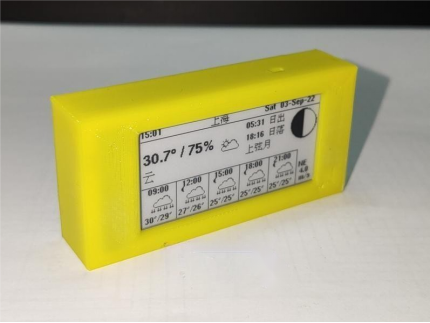
The effect is like this, just draw a square shell and 3D print it.
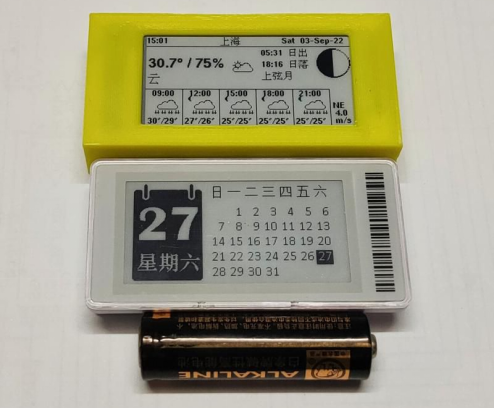
The size is only slightly larger than the Stellar-M.
An off-the-shelf ESP8266 driver board is used. If a suitable battery is not found, then it can only be used with a power plug.
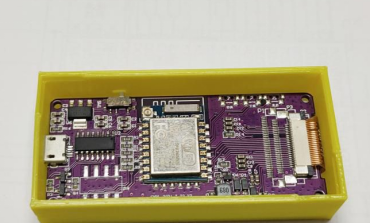
Ⅱ. 4.2-inch medium screen
The shell comes from this open-source project, and the author uses an ESP32 mainboard with charging management, which is very convenient.
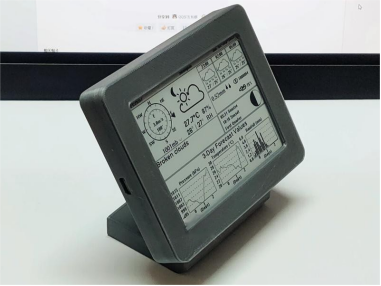
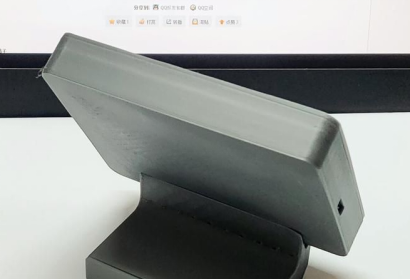
The battery is placed inside the base. Refresh every half an hour, no refresh at night, and the 2000mAh battery can last for more than 3 weeks.
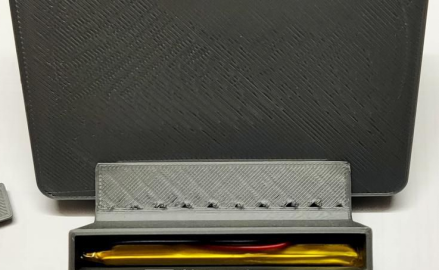
Measure the size, 3D print a bracket, embed the driver board into it, and make it equivalent to a Waveshare module. Then connect various flying wires to the ESP32 mainboard.
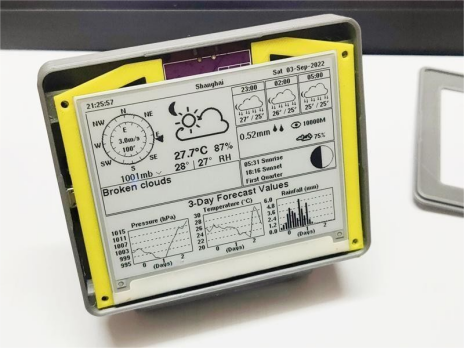
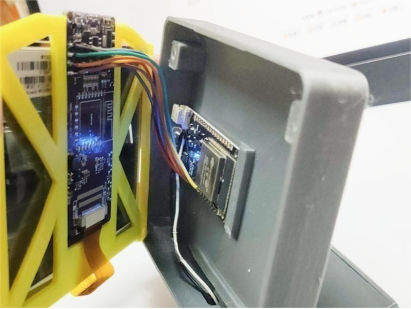
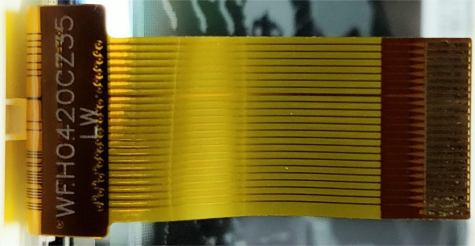
The open-source project supports the UC8176 controller, which is the same as the Waveshare screen, and the cable model is as follows.
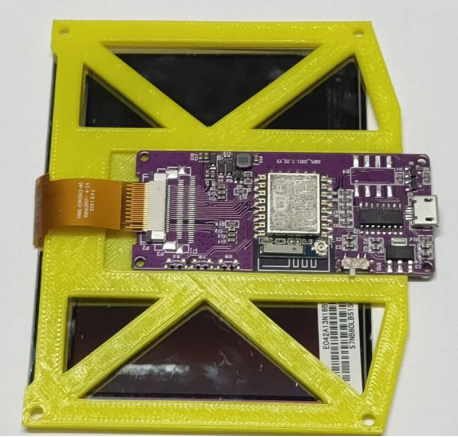
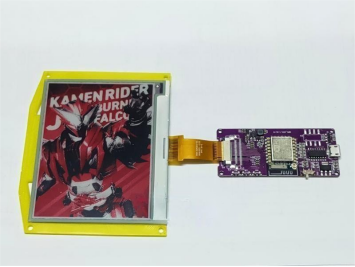
Demonstrate the principle of the bracket with another 4.2-inch screen. The dimensions, four holes around, and Waveshare module are the same. Attach the screen and board to the bracket with double-sided tape.
Ⅲ. 7.5-inch large screen
If you feel that the small photo frame is too small, you can also buy a medium-sized one that can accommodate a 7.5-inch panel.
You can use a power bank control board for charging management and LED lighting (the LED light board can be directly used with the power bank board). Lithium batteries can be taken from tablets, they are large and thin, and can fit perfectly into the photo frame.
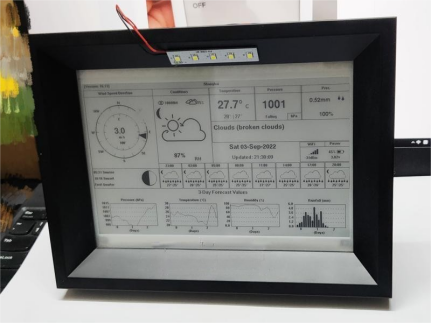
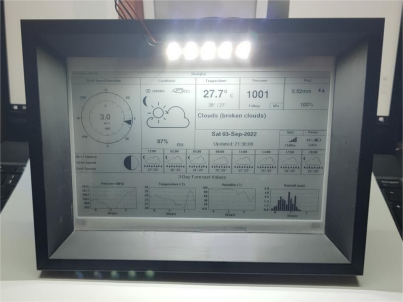
Mount the components on the back. Place the lithium battery inside and lead the wire out from the edge.
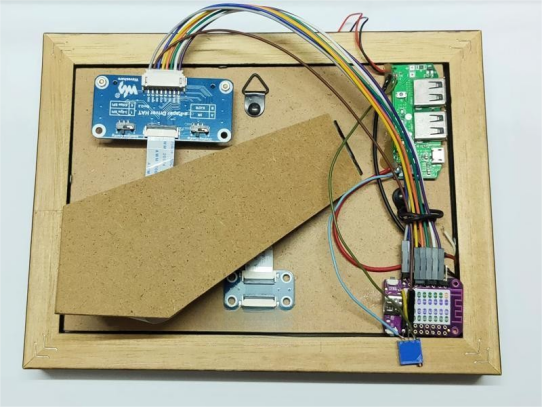
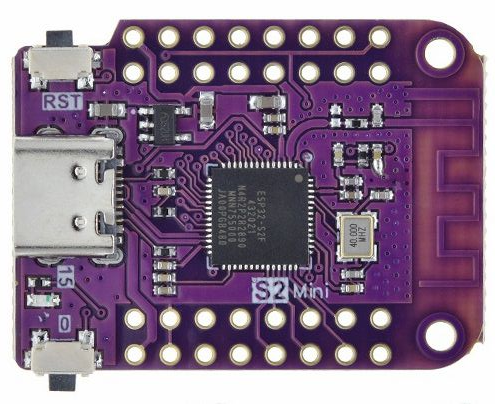
Use the ESP32-S2F core board, which integrates flash, RAM, and USB. The board does not have peripheral chips such as a USB serial chip, only an LDO, which will be very power-efficient.
Unleash the potential of ink screens in your clock and weather forecast projects by following the steps in this guide. Whether you choose a compact display, a versatile medium-sized option, or an expansive large screen, you can create an impressive setup. If you want it to be more convenient to turn on the light, the next step can be to add touch sensing to the frame yourself.


