
DIY Dell Speaker Mod for Hikvision DVR


If you're interested in modifying a Dell case speaker to work with a Hikvision DVR, you might want to check out this article.
The speaker comes from a Dell OptiPlex 740 case, and its sound is fairly decent and loud. It just needs 5V and an analog audio input to start blasting. If your DVR sometimes requires sound during playback, you can follow this guide to DIY and install the speaker into your DVR.
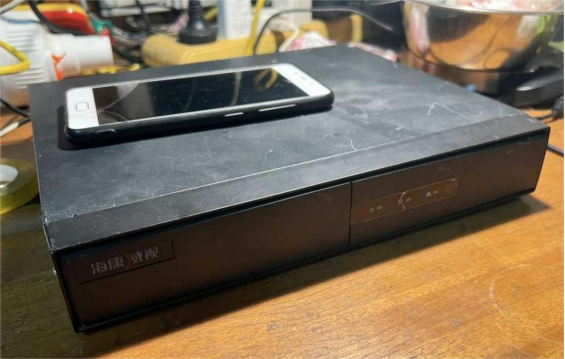
Hikvision single-disk metal-case DVR, as shown in the picture above.
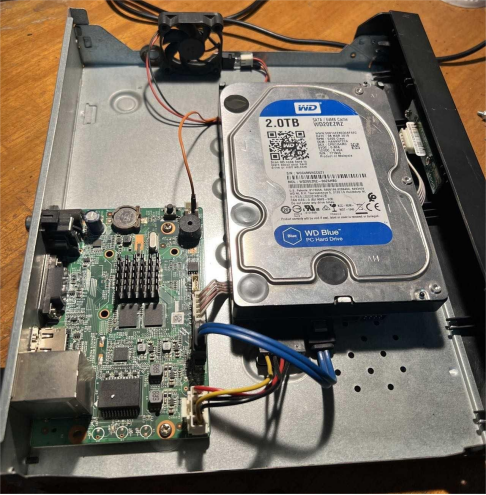
Open it up, and the internal structure looks like the picture above. The hard drive is a Western Digital Blue, which can run 20,000+ hours without bad sectors or failures.
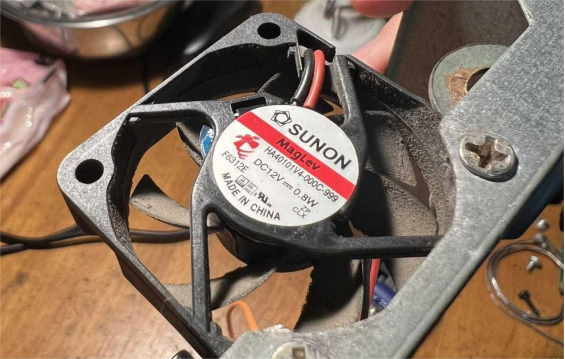
The cooling fan is a Sunon ELECTRONICS magnetic levitation fan, which has an extremely long lifespan.
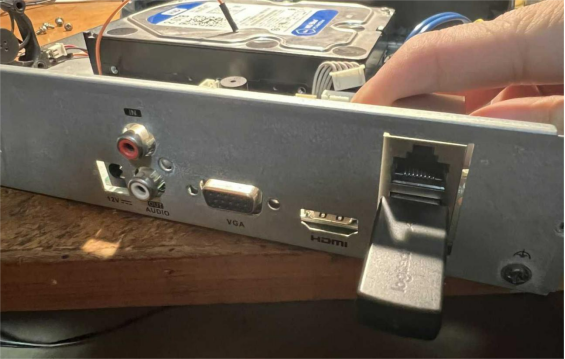
When you remove the motherboard, pay attention to screws near the VGA port and RCA ports.
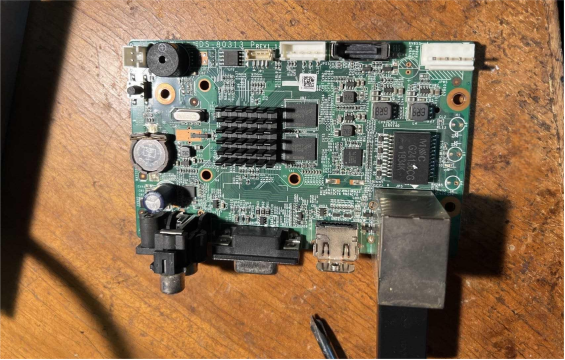
The motherboard model is shown in the picture above. It's a 71/78xx series K1 model; this one is 7816NB-K1/c.
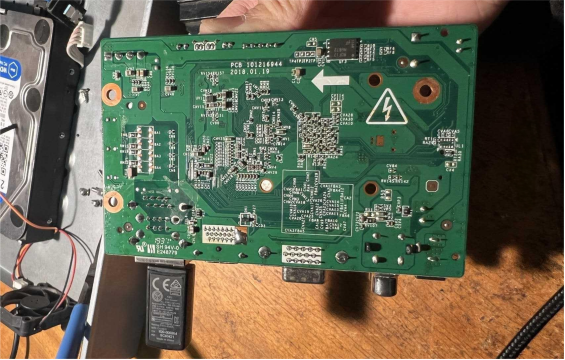
Operations on the back are shown in the picture above.
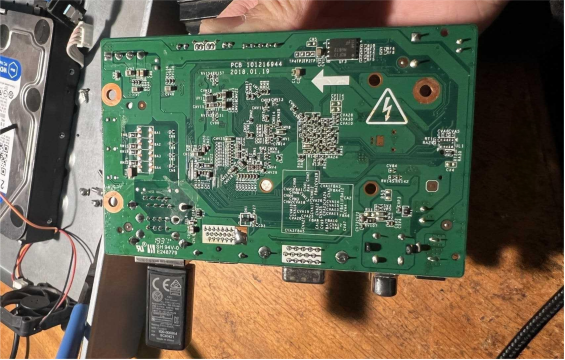
Next, you'll need to solder the speaker.
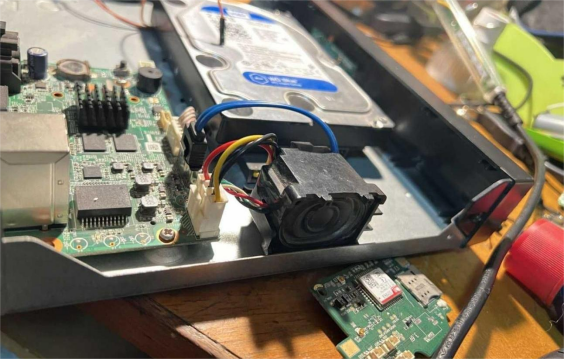
Because audio vibrations might affect the hard drive, you can't fix the speaker between the hard drive cables.
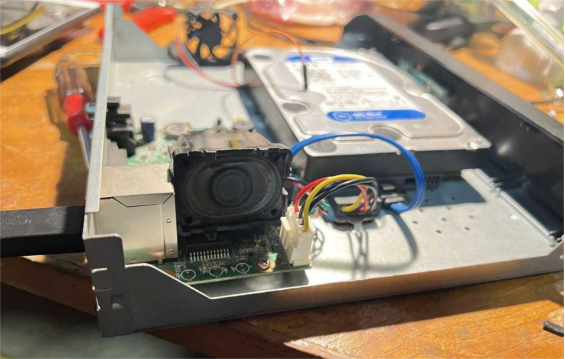
You can move it to the side, as shown in the picture above. Just snap it in place.
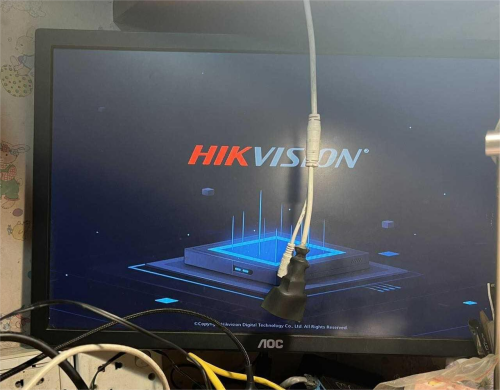
Finally, you need to power it on and test it. As long as the audio works, you're done.
The End


