
DIY UT61A Multimeter 14500 Battery Swap


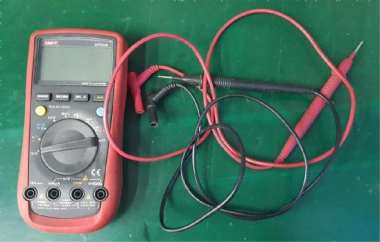
If you're interested in replacing the 9V battery in your multimeter, you might want to check out this article.
This UT61A multimeter has always used a 9V battery. It's not too power-hungry, and if you use it a lot, you'd only need to replace the battery every 3–4 months. So, how should you go about it? You could try using a boost circuit to adapt a lithium battery, or, as shown in this article, you can take a simpler approach and replace it with a 14500 battery.
Before replacing it, you need to open the multimeter and check if it's suitable. Measure the battery compartment to make sure it fits. If two 14500 batteries are a bit tight, you can use a heat gun to slightly soften and shape the compartment so that both 14500 batteries fit. After that, just reinstall it, and it should work fine.
As shown in the picture below, this is the multimeter.
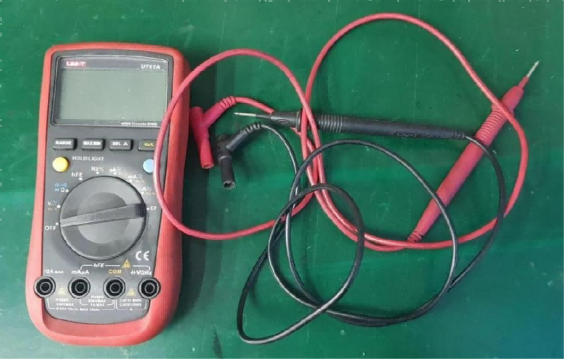
The picture below shows the battery compartment at the back.
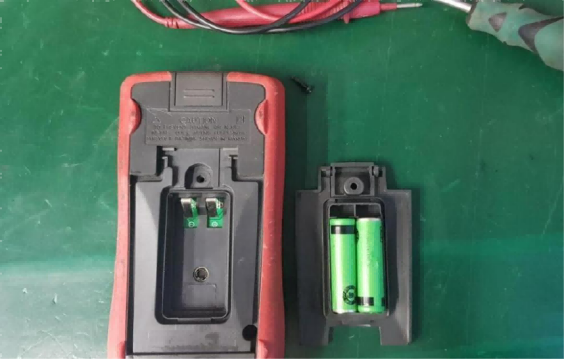
Two 14500 batteries fit perfectly. The original design might have been for AA batteries, but the manufacturer likely controlled costs by using a boost circuit.
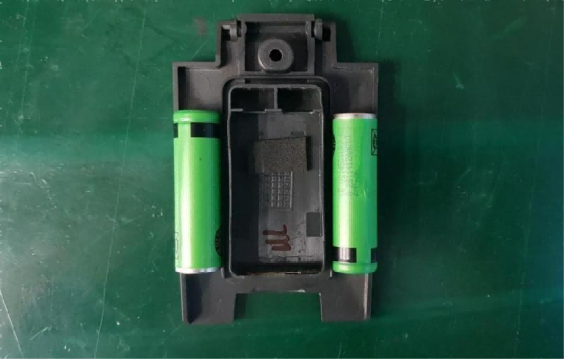
When the battery runs out, just use a charger. With this capacity, you probably won't need to replace the batteries for over six months. And when it's dead, you can easily take it out and replace it.
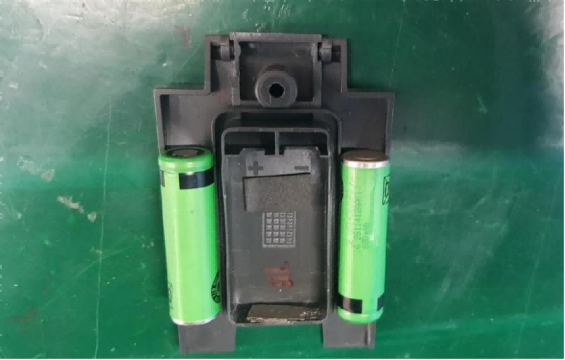
For the negative terminal, you can attach a nickel strip with double-sided tape to make a conductive connection.
Done.


