
DIY SONY Laptop LCD Upgrade Guide


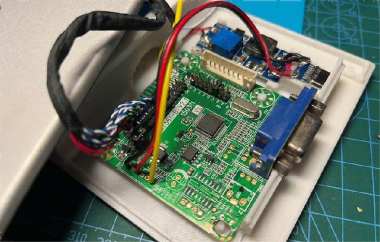
If you're curious about DIYing your SONY laptop screen into a full LCD monitor, this guide is for you. It's not too complicated, and with the right parts, you can get a working display in no time.
First, you'll need a universal LCD driver board. Keep in mind that it only supports VGA and doesn't work with a 1280×768 resolution. The upside? You don't have to flash any firmware, and if you set the jumpers to 1280×800, it still runs decently, so it's usable even if not perfect.
Next, make sure you have a 5V driver board. If your LED backlight requires 9–12V, you'll also need a DC/DC boost board to step up the voltage. For power, a USB-C charger works perfectly, keeping things neat and portable.
Once you've gathered all the parts, you can start designing the layout. Sketch it out as shown in the diagram below to plan where everything will fit.
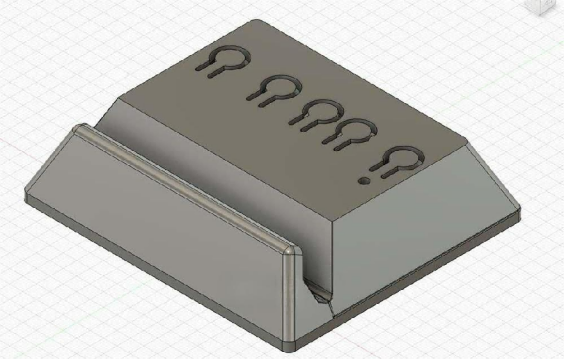
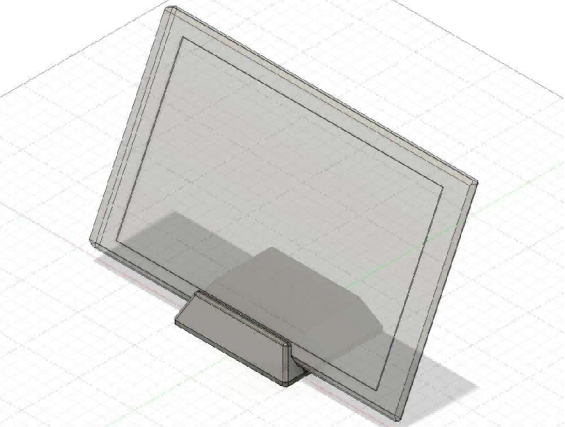
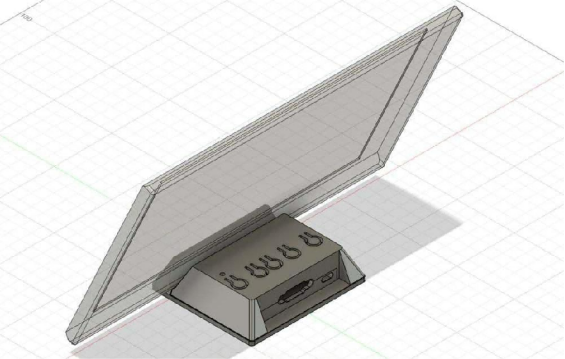
After your design is ready, it's time to 3D print the case. Once printed, install all the components carefully. Take your time here—getting everything snug makes a big difference.
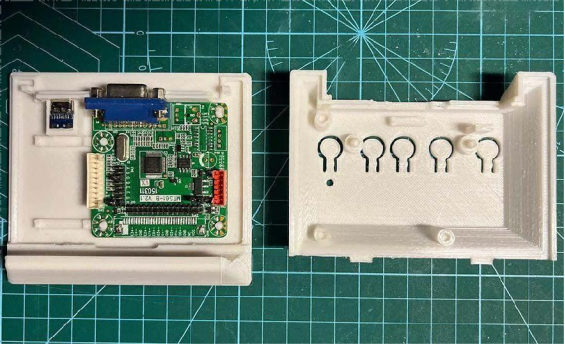
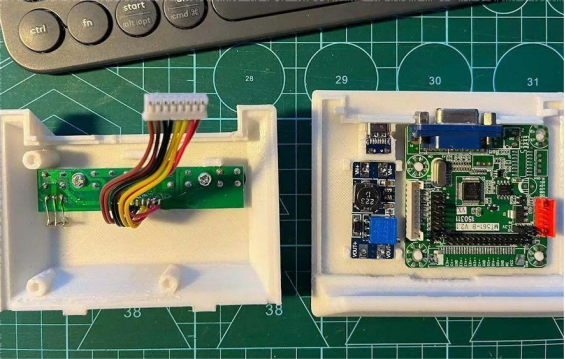
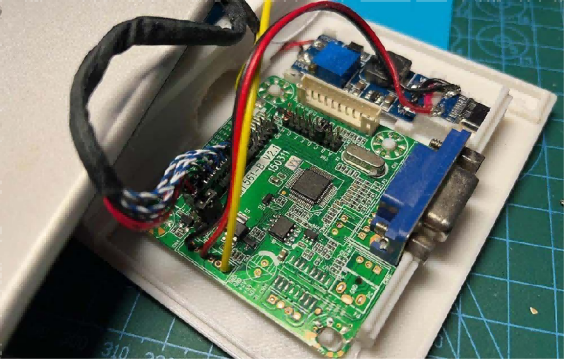
If the case is too tight, you might need to remove two sockets and reroute the wires so the cover fits properly. For the case design, you can go screw-free using clips to hold it together. However, PLA isn't very strong, so if you think the clips might snap easily, it's better to design the case so it can be screwed together for extra durability.
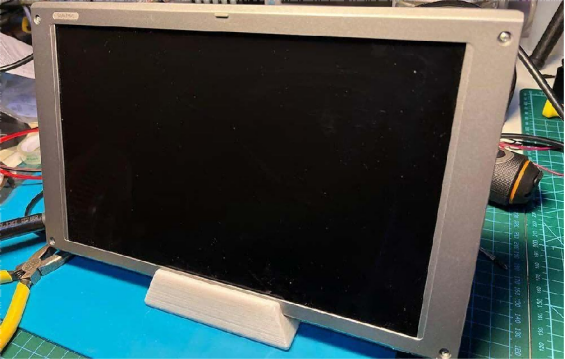
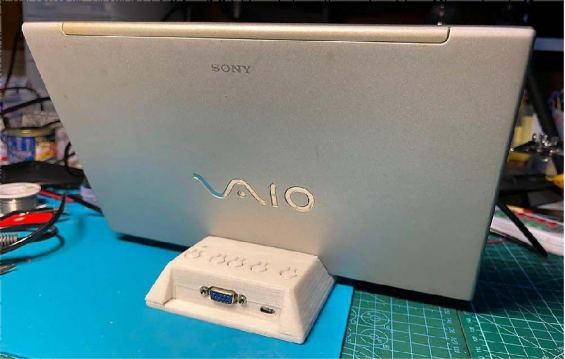
And that's it! With some patience and careful assembly, you'll have your DIY SONY laptop screen transformed into a functional LCD monitor.


