
DIY Logitech M590: Replace Mouse Switch Easily


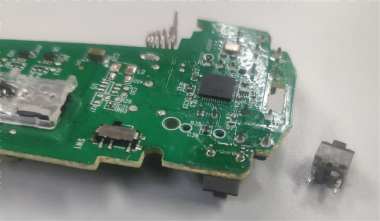
If you're interested in DIY-ing your Logitech (Logi) mouse to replace the buttons with silent switches, you might want to check out this article.
The Logitech M590 supports both Bluetooth and the Unifying receiver. If you own one of these mice and notice that the left-click feels unresponsive, you can try replacing the switch. You can use Kailh micro switches, size 6×6×7.3mm.
Here's what the mouse and the switches look like:
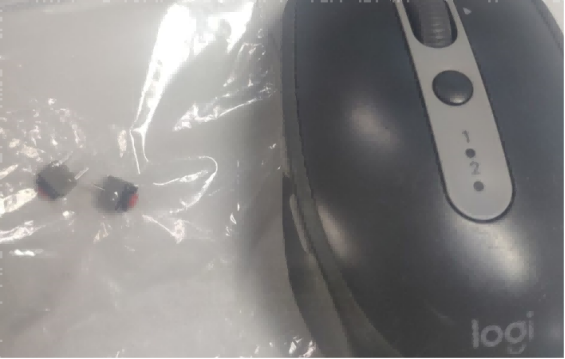
All the parts you'll need are shown in the picture below:
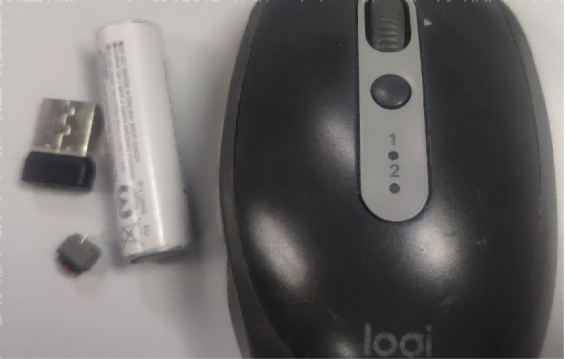
This mouse only has one screw located at the receiver slot, so you can easily open the casing.
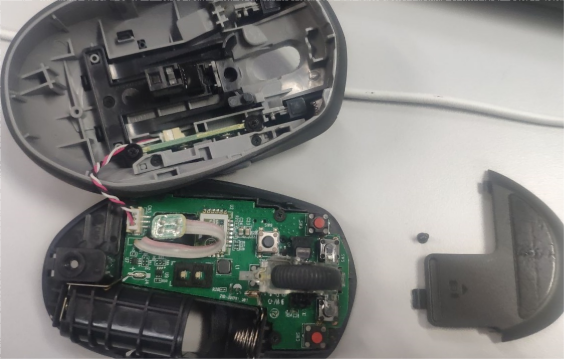
Once you remove the three screws, you can lift the mainboard out.
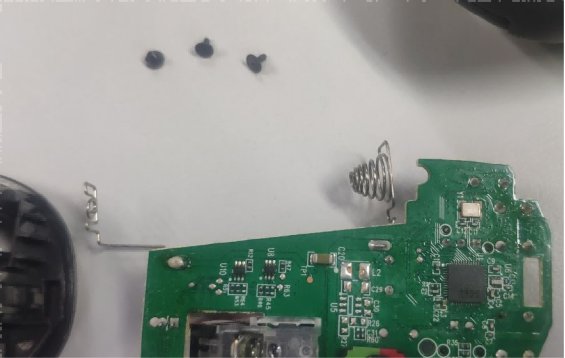
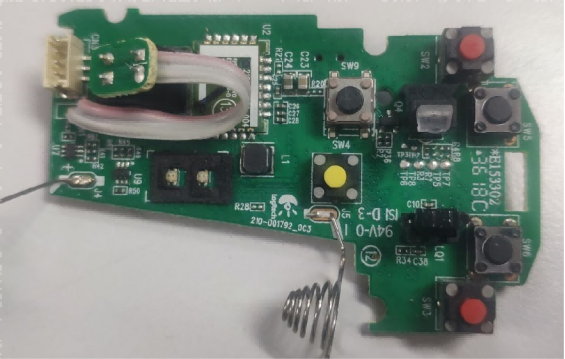
Here's what the other side of the mainboard looks like:
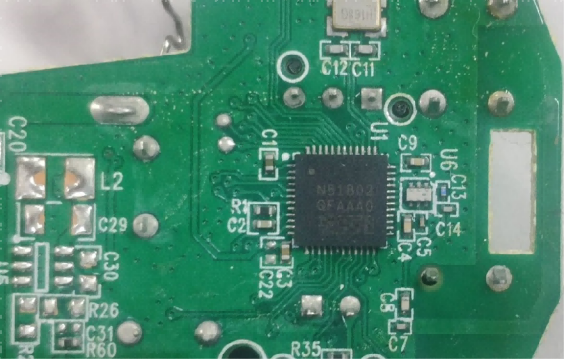
The main control chip looks like this:
Next, you need to remove the old micro switch.
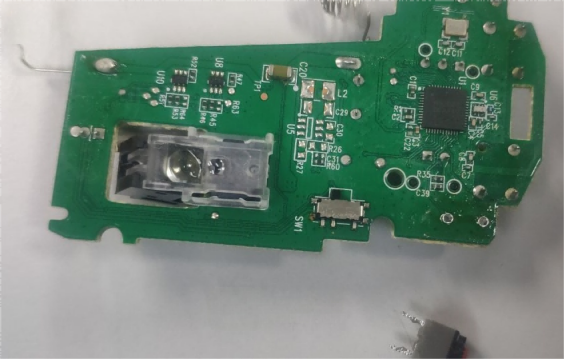
After that, you can install the new micro switch.
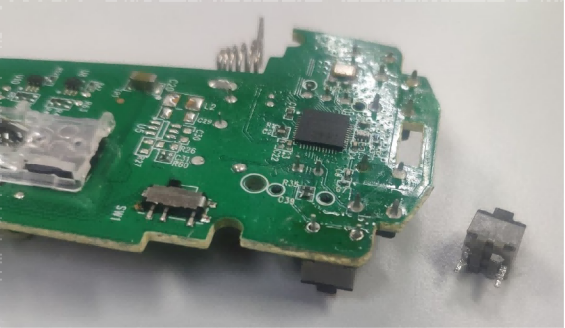
Then, it's time to do the soldering.
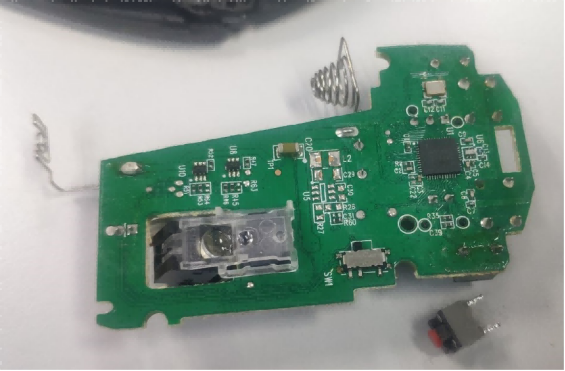
Once the soldering is done, you can reassemble the mouse.
After this replacement, the mouse buttons should no longer have any unresponsiveness issues.
Done!


