
DIY MiniUSB to Type-C Keyboard Mod Guide


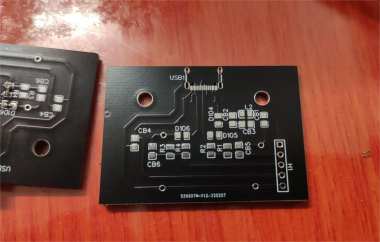
If you're interested in modding the miniUSB interface board on your DIY mechanical keyboard to Type-C, this article is worth checking out.
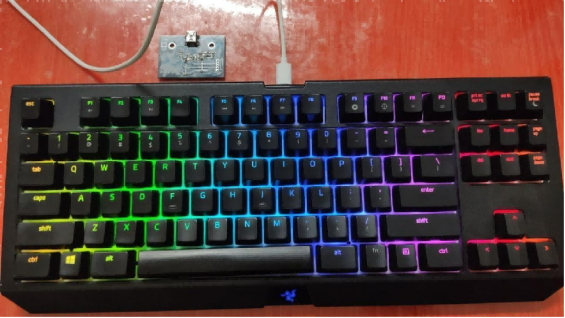
The mechanical keyboard being modified this time is a Razer keyboard with a miniUSB interface. Replacing it with a Type-C port makes sense, but simply swapping the connector isn't easy to secure firmly. If you run into the same issue, you can follow the method in this article by replacing the entire interface board together. That means you'll need to redesign and fabricate a new interface PCB, and then transfer the original components onto it.
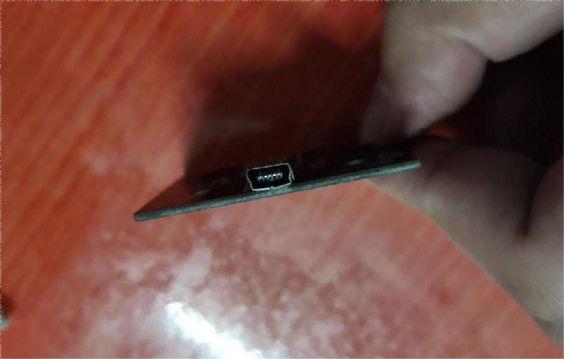
The interface board after disassembling the keyboard is shown below. The connector here has a problem, likely caused by the weight of the cable pressing down on it. Also, since the cable is not the original one, the connector housing doesn't fit tightly with the keyboard case.
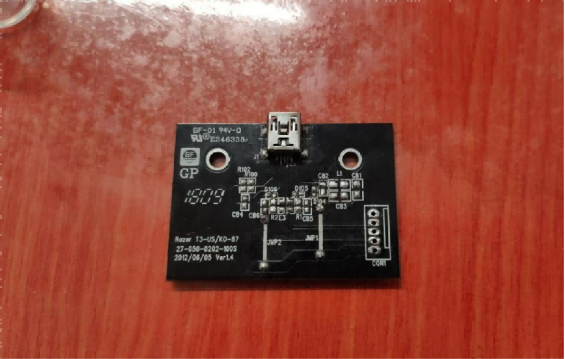
Then you can redraw the circuit based on the original board and fabricate a new PCB, as shown below.
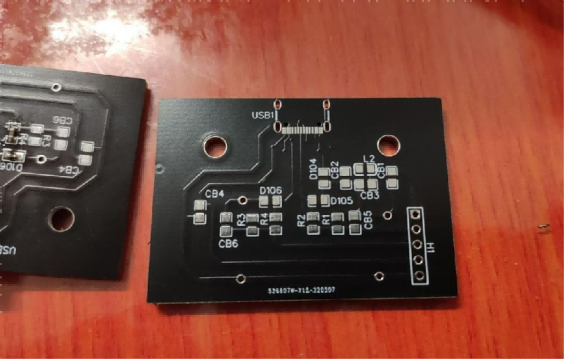
However, be careful not to make mistakes in the design. For example, the pin spacing of the 5-pin connector was drawn incorrectly here.
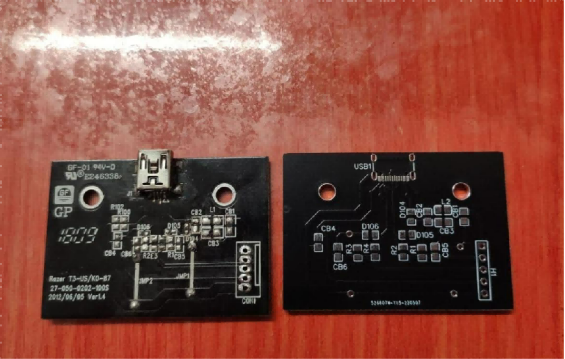
You can fix it yourself, and then you need to solder the Type-C connector onto the board.
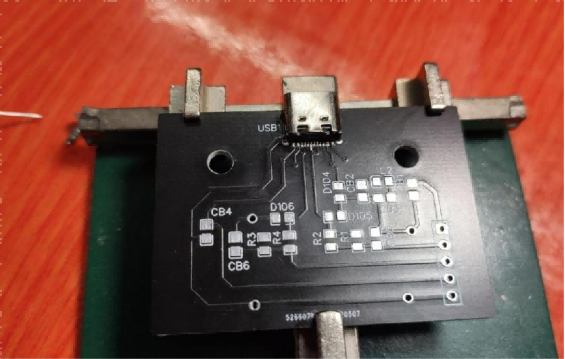
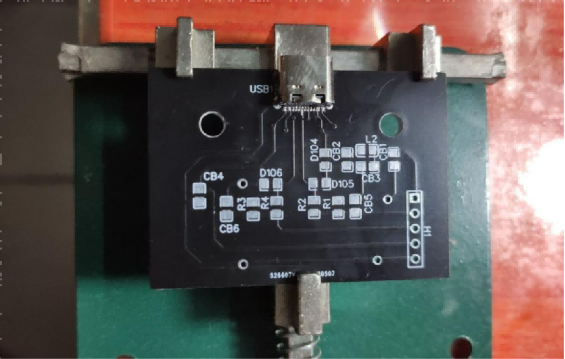
After soldering the connector, plug in a USB cable and do a quick test. As long as there's no short circuit between the pins, the job is done, and you can proceed to solder the remaining original components. The 5-pin connector can still be soldered properly even if you slightly spread the pins apart.
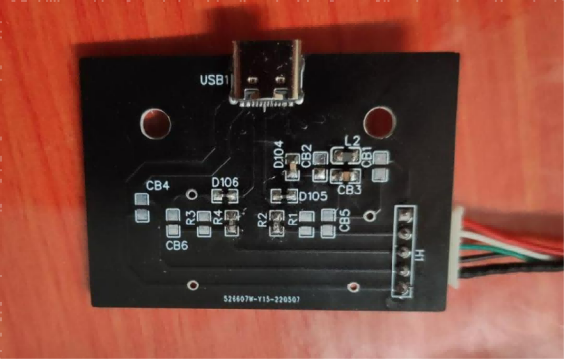
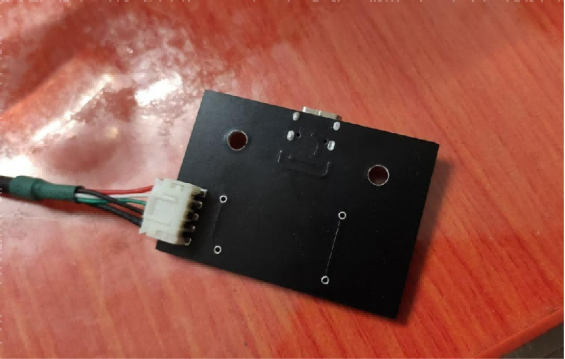
After finishing the soldering, do a simple test again. If everything works fine, you can start reassembling the keyboard. Since the Type-C connector is slightly wider, you'll need to trim the opening in the keyboard case a bit.
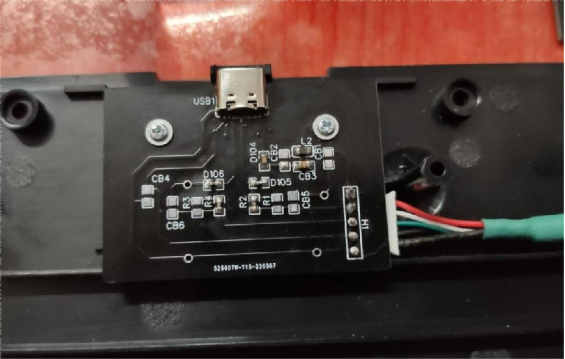
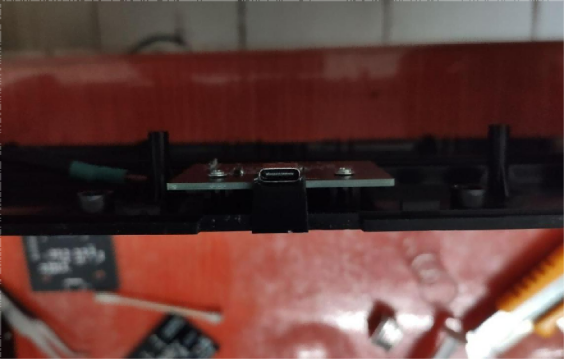
Overall, the result is pretty decent.
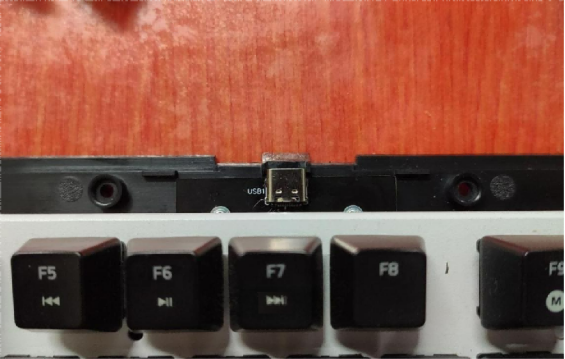
Continue with the installation. One minor downside is that the Type-C connector is slightly shorter, but this is normal for this type of surface-mount connector.
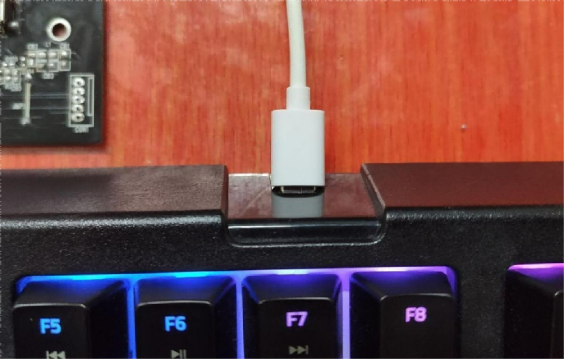
After everything is installed, it looks good and feels solid with no looseness.
End.


