
DIY Upgrade Xiaomi Power Bank to TYPE-C


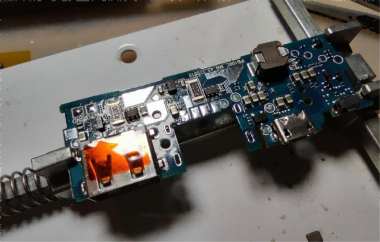
With the rise of the TYPE-C interface, more and more devices have upgraded to TYPE-C—from popular smartphones and small lamps to even small household appliances. You can see it everywhere. It's compact, supports reversible plugging, USB2.0, USB3.0, can deliver up to 100W of power, and even supports video output.
If you have a Xiaomi power bank 2, model PLM09ZM, it supports QC2.0 18W input and output, takes about 2 hours for slow charging, and has dual USB ports. Although it's a bit bulky, it's very convenient to use. But this power bank still has a MICRO USB interface, while most phones now use TYPE-C, which makes it inconvenient. So what should you do in this situation? You can try converting one of the USB A ports to a TYPE-C port. If you're interested, take a look at this article.
This power bank has two USB A outputs and one MICRO USB input. Both input and output support 18W fast charging.

Then you need to open it up and unscrew the screws.

As shown, the mainboard uses an integrated inductor.

You also need to continue disassembling the mainboard.

Next, you need to remove the thermistor.

On the back, you can see the battery's spot welding marks. This is likely done after assembling the mainboard and battery, when the battery is finally spot-welded to the board. In the lower-left corner, you can see the custom Zimi MCU chip.

The SOT23-6 is the fast charging handshake chip. One output handshake goes to the power chip, while the other goes to the 6-pin chip.

Battery protection is similar to the DW01 setup.

You need to use low-temperature solder when soldering, which makes it easier to remove with a hot air gun.
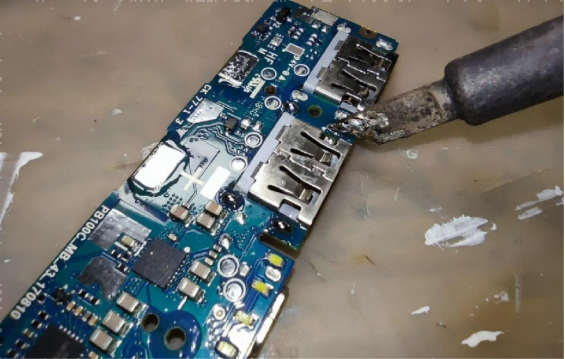
Next, set the temperature to around 280°C and turn on the "grill" mode.

Then you need to remove the component near the charging port and clean the solder pads at the same time.
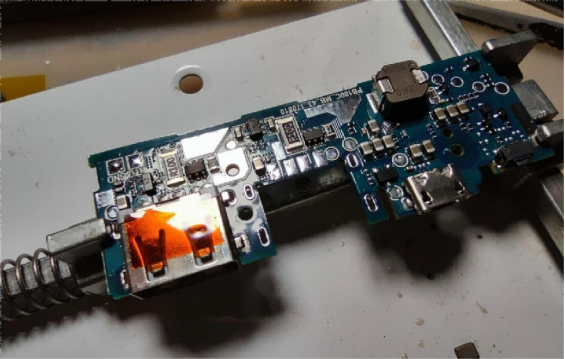
You need to prepare a TYPE-C adapter board and solder it onto the USB A socket. A 1.0mm thick board fits perfectly.
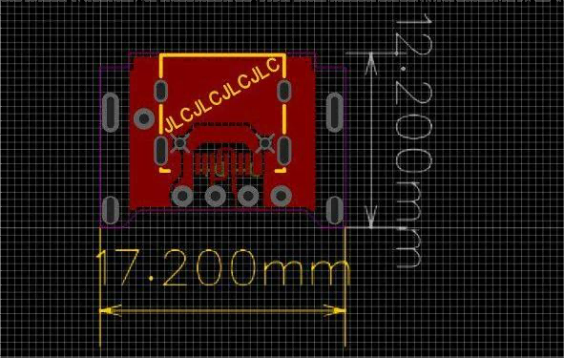

Next, you need to secure it in place.

Then you need to wire it to the input solder pads and clean the board a little.

Power it on to test—if you get 9V, it's working.


Then you can start reassembling the device.

If it doesn't fit, the adapter board may interfere with the screw posts. You can carefully carve a curve with a utility knife.
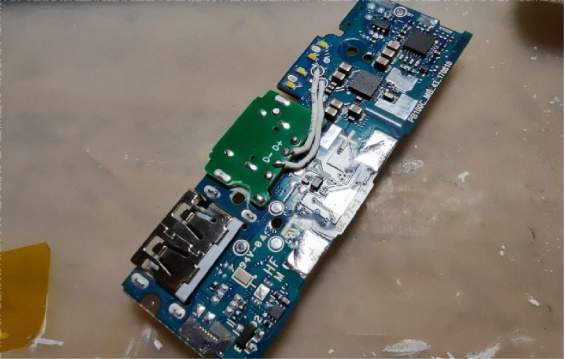
After that, reassemble it, and use high-temperature tape around the edges to prevent foreign objects from getting in.

Finally, you just need to put the case back on.
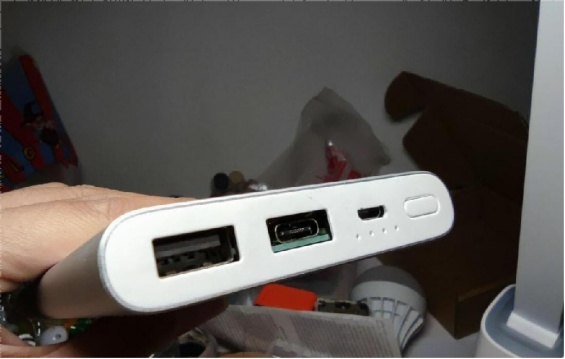
Done.


