
DIY Reuse an Old Xenon Flash with a Smartphone


How can you reuse an old xenon flash, such as the Ricoh 303 low-voltage flash? If you’re interested, you might want to read through this article.
You can try controlling an external flash with your phone. One approach is to use optical triggering by building a circuit with a photoresistor and an LM358 comparator. The phone’s flash can trigger the external flash. However, flash synchronization problems may occur, which means the photo may not capture the external flash at all. When using optical triggering, other compact cameras can usually work with it perfectly.
If that doesn’t work well, you can also try triggering the phone through the headphone cable. In this setup, you press a button outside to make the phone take a photo. After that, you wait for a short delay so the phone has time to react, and when the phone starts taking the picture, you trigger the external flash. Because the delay time is fixed but the phone’s reaction time changes every time, using an external flash with a phone is not 100% reliable. The success rate is roughly 60%, but if it fails you can simply take a few more shots. You can switch the phone to manual mode, set the ISO to 50, and set the exposure time to 1/8 second. The exposure time cannot be shorter than this, otherwise the flash will not synchronize. Set exposure compensation to EV-4. Once these settings are fixed, they can reduce the uncertainty between pressing the shutter and the actual exposure, which improves the success rate. Since the shutter time is quite long, shooting close objects can easily cause overexposure. Therefore, you should bounce the flash off the ceiling for fill light, or cover the flash with several layers of paper to reduce its intensity.
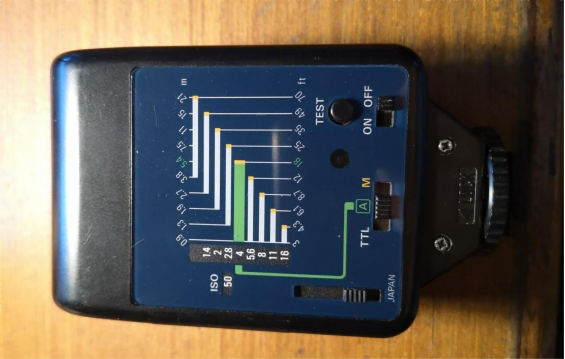
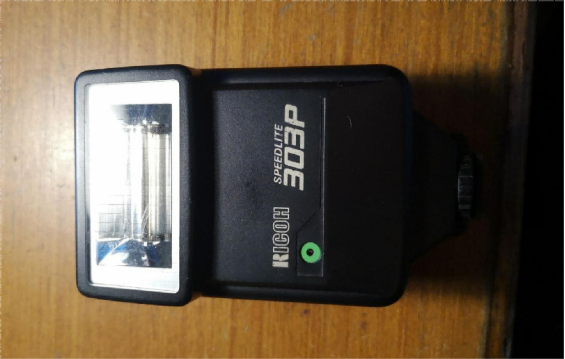
As shown in the image above, this is an old flash that uses low-voltage triggering.
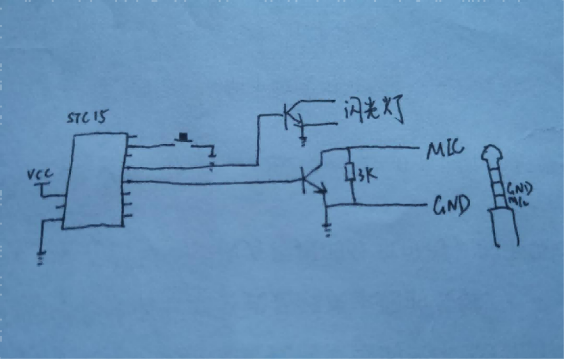
The circuit diagram is shown above. You can also use a microcontroller to control the delay, which allows you to adjust the delay time easily. For example, you can use the STC15F104W. Because this is a low-voltage flash, you can use a transistor, although for safety you can also use an optocoupler.
When testing, it is better to start with an older phone. After adjusting everything properly, you can then switch to your regular phone for use.
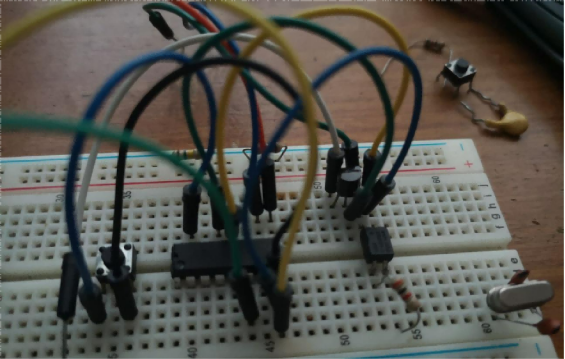
You can first try building the circuit on a breadboard, as shown above.
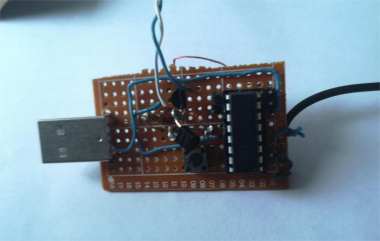
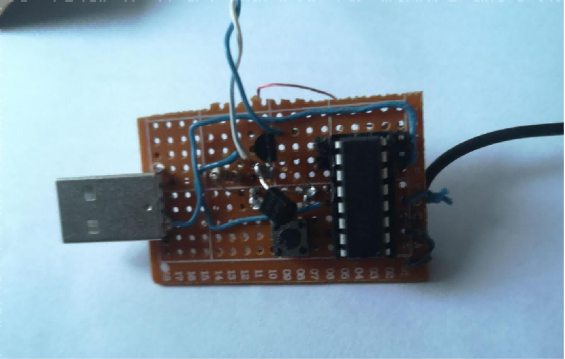
Next, you need to solder the components together. After soldering, the result should look like the image above.
Now you can make the hot shoe mount. You will need to find a small wooden board.
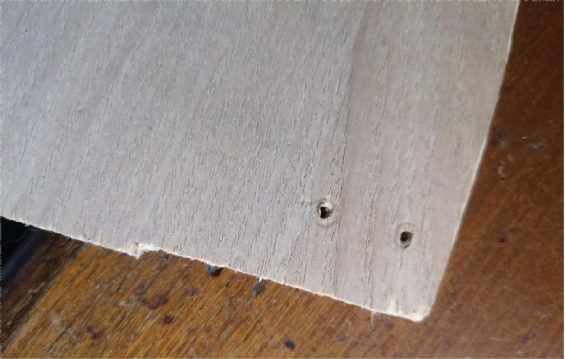
Drill two holes in the wooden board, and then pass copper wires through the holes.
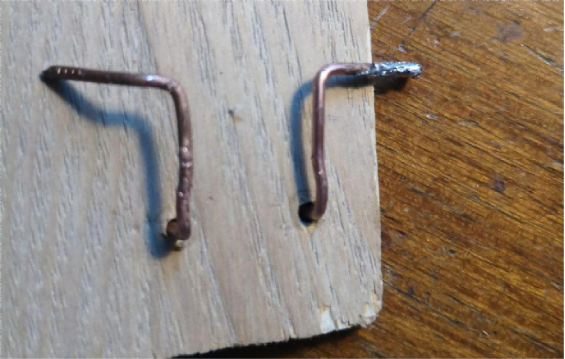
Next, you need to bend the copper wires into the correct shape.
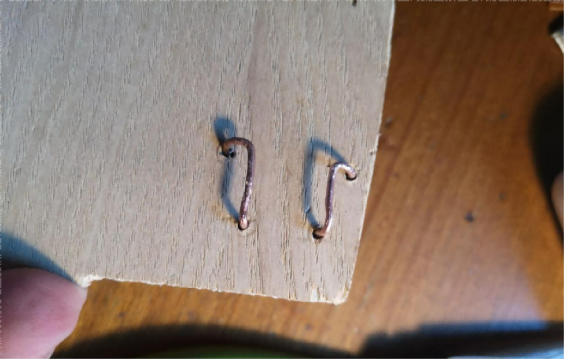
Then push the copper wires back down through the board, as shown in the image above.
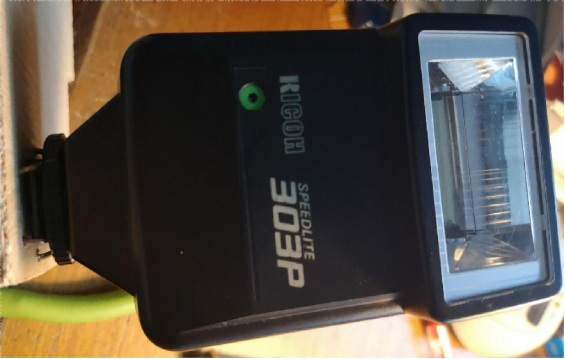
After that, assemble the parts so that everything fits properly, as shown above.
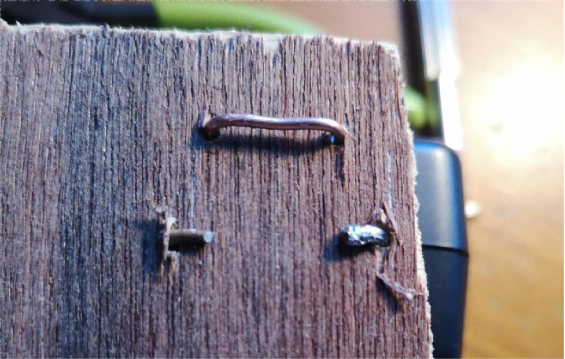
The back side of the board is shown in the image above.
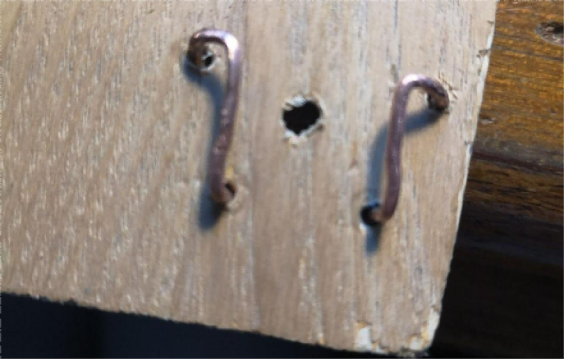
Then you need to drill a hole in the center of the board.
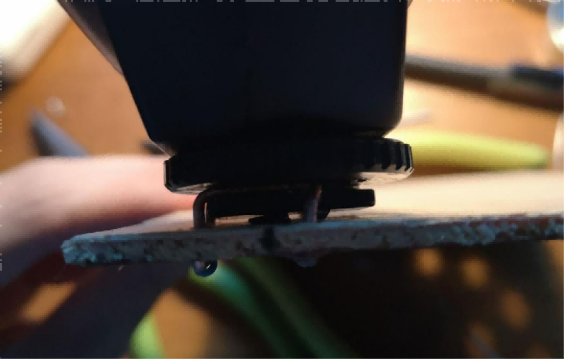
The hole should align exactly with the center trigger pin.
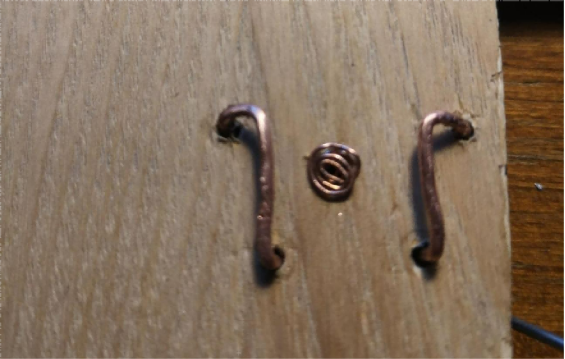
Next, you need to wind a small bundle of wire to make the contact point.
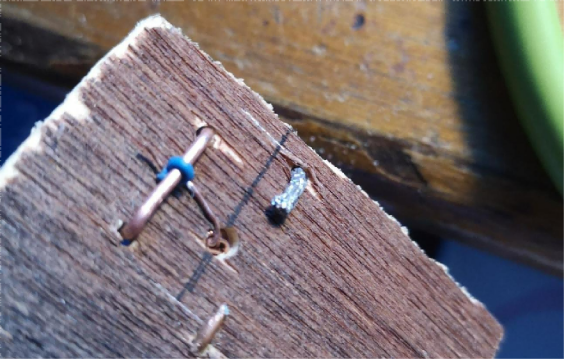
Finally, at the bottom, you just need to saw off the excess part of the wooden board.
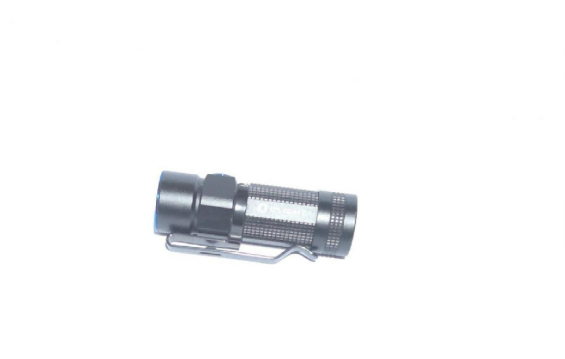
The following shows the shooting result.
The program code is shown below:
#include<stc15.h>
sbit key = P1^0;
sbit phone = P3^3;
sbit light = P3^6;
void delay (unsigned int a){
unsigned int i;
while( a-- != 0){
for(i = 0; i < 600; i++);
}
}
void main(){
key=1;
phone=0;
light=0;
P3M0=0xff;
P3M1=0x00;
while (1){
if(key==0){
delay(10);
phone=1;
delay(50);
phone=0;
delay(450); //12mhz 450 higher success rate above 1/8 410 higher success rate for 1/10~1/6
light=1;
delay(50);
light=0;
}
delay(1000);
}
}
You can choose a 12 MHz microcontroller. One of the delay values can be adjusted by yourself so that it works better with your phone.
End.


