
DIY VGA Cable: How to Make an Emergency VGA Adapter


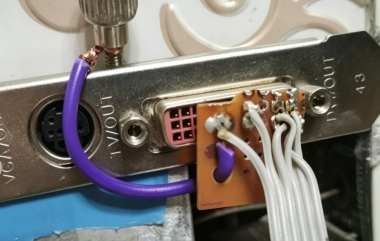
If you are interested in making your own DIY VGA cable, then this article is worth checking out.
If you are on a business trip and suddenly realize that you forgot to bring your VGA cable, you may find yourself in a frustrating situation. At that moment, you can get creative and use a few basic materials to make a simple adapter that allows you to connect your computer to a display.
First, cut a small piece of perfboard:
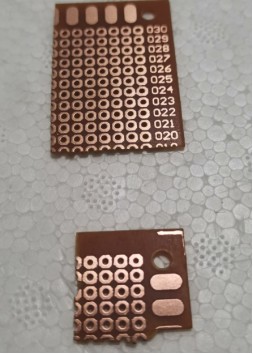
Then, take a piece of wire and cut four short sections of copper core to use as pins. Solder them onto one corner of the perfboard:
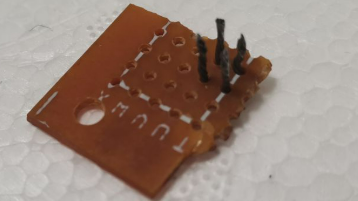
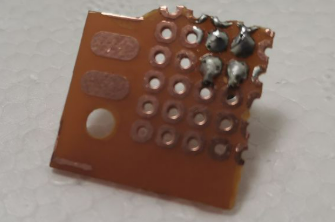
Next, add one more pin and adjust the positions of the pins so that they fit properly into the DVI port:
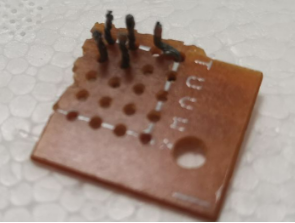
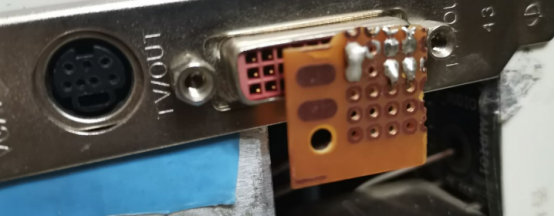
Try plugging the board into the DVI port to make sure it fits correctly. It should work without any problems:
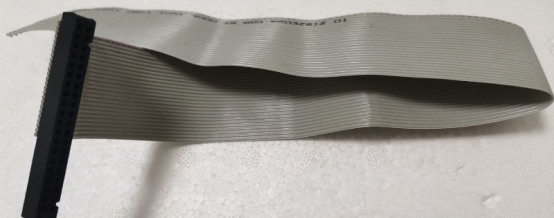
Now, prepare a section of an IDE cable (you can also use an Ethernet cable as an alternative):
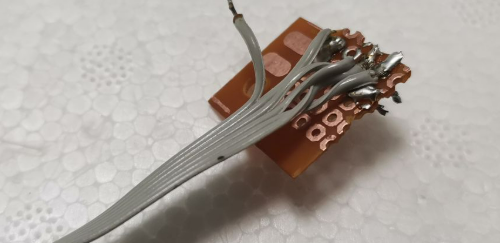
Then, separate six wires from the cable. Solder five of them to the five pins, and use the remaining wire as the ground wire:
Next, prepare a VGA connector (if you do not have one, you can use several large sewing pins as a substitute). Solder the wires according to the correct pinout:
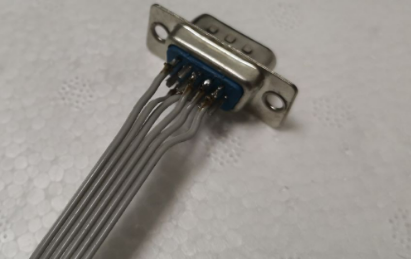
Connect the ground wire to a screw (or another piece of metal) so that it can be easily connected to the computer chassis:
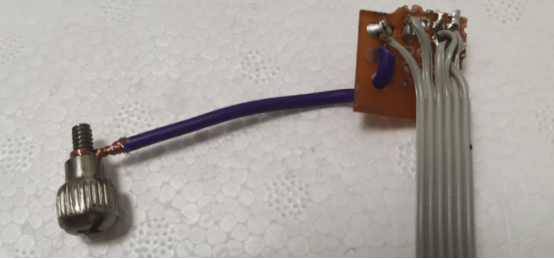
Your DIY adapter cable is now complete:
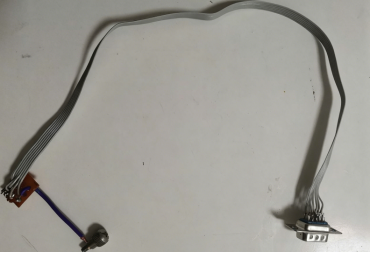
Plug the VGA connector into your TV or monitor:
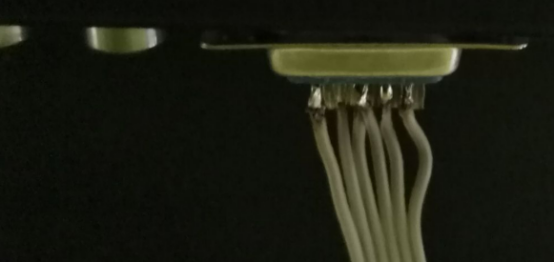
Insert the perfboard into the DVI connector, and connect the ground wire to the computer chassis:
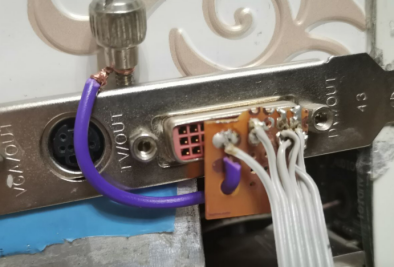
Your TV and computer are now connected:
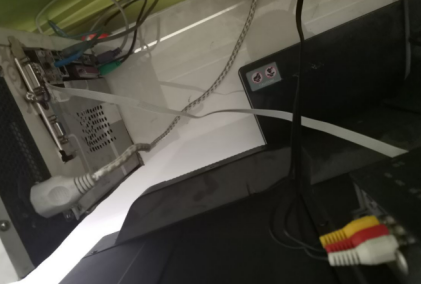
Turn on your computer and check the display. It works quite well, although the screen resolution has changed:

This homemade adapter is intended as an emergency solution, but it is good enough to get you through when you need it most.


