
DIY 4-Pin Case Fan with Adjustable Speed


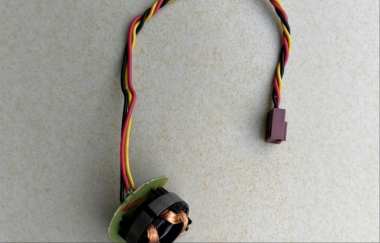
If you have a case fan that currently uses an inline resistor cable to reduce its speed, you may find that its fixed voltage reduction cannot dynamically balance noise levels and cooling performance. In this case, you can try a DIY modification to build a case fan that supports motherboard-controlled speed adjustment.
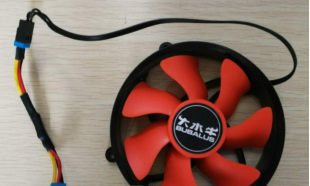
You can find a damaged case fan with broken blades. You can completely remove its blades and internal drive circuit, leaving only the outer plastic frame as a mounting bracket.
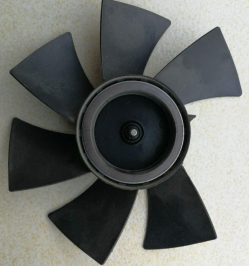
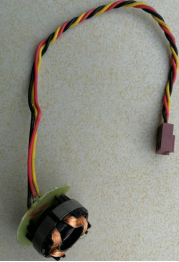
Next, take an original CPU fan and remove its aluminum heatsink fins. Then, saw off the mounting feet around the fan. After trimming, the fan's inner assembly should be just the right size to fit inside the previously retained case fan frame.
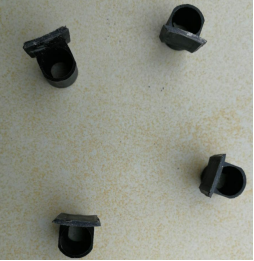
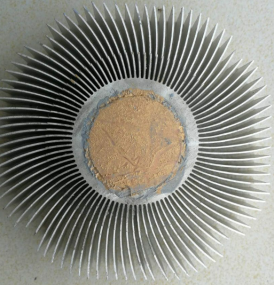
You can use foam double-sided tape to secure the fan's inner assembly flexibly to the outer frame and provide vibration damping.
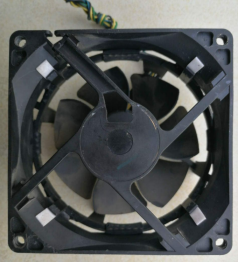
At this point, the modification is complete, and you have built a DIY 4-pin case fan with adjustable speed.
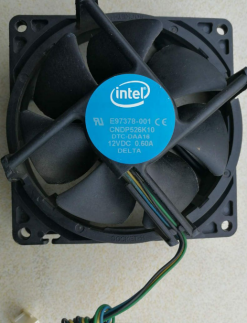
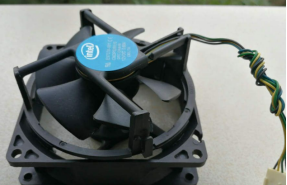
You can install the finished fan in your computer case and let the motherboard dynamically adjust its speed based on temperature, balancing operating noise and cooling efficiency.


