
DIY LCD Clock Lithium Upgrade Guide


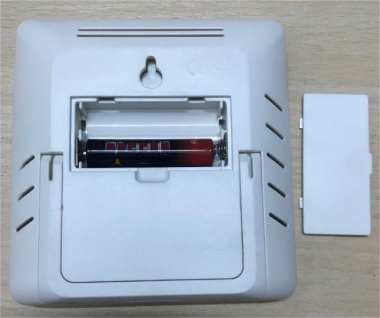
The screen of my LCD temperature and humidity clock has started to look a bit dim, and the battery doesn't last very long anymore. If you have the same kind of clock and don’t want to replace the battery all the time, you might want to check out this article and see how to convert your LCD temperature and humidity clock to lithium battery power. If you're interested, keep reading.
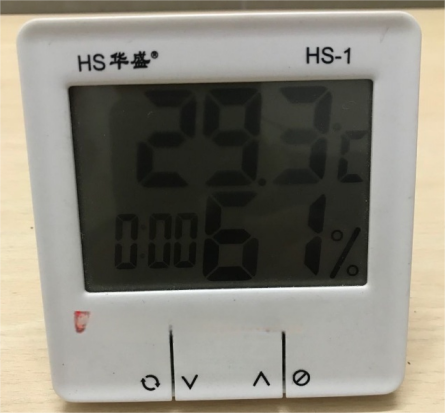
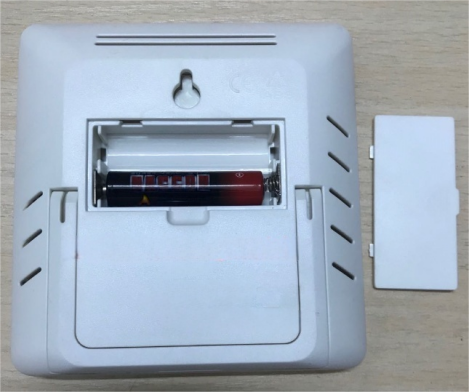
If you want to switch to lithium battery power, you need to step the voltage down to around 1.5V. The battery compartment is shown in the picture below.
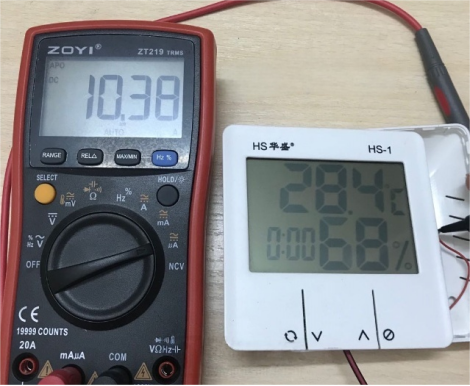
First, you need to measure the working current. As shown in the picture below, the working current is about 10µA, which is still quite power-efficient.
You can prepare a green LED with a voltage drop of about 1.8V. Based on the current consumption, you could use a 33K resistor in series with the LED, and then connected the LCD clock's power in parallel with the LED.
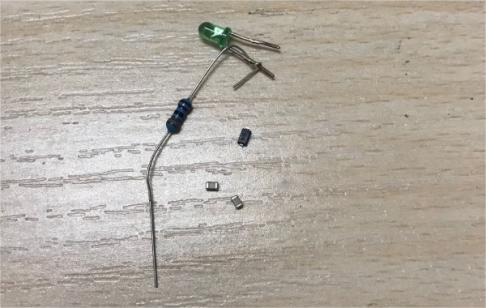
You will also need a 2000mAh lithium battery, which will just fit behind the LCD.
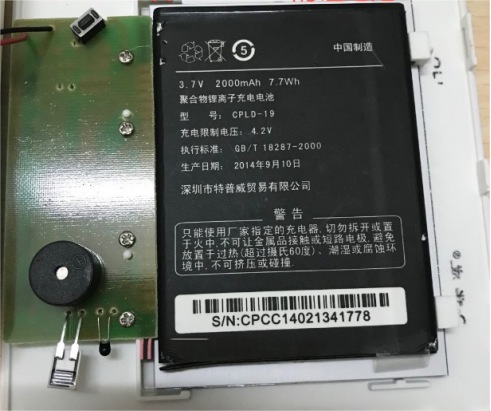
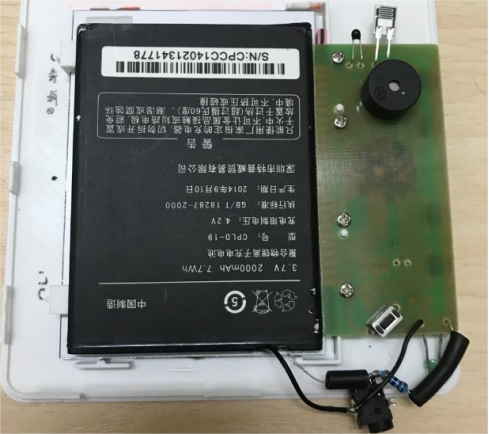
Next, you need to install the battery and the LED voltage-drop circuit. As shown in the picture below, you can see that the LED is connected in parallel to the original LCD clock power supply. You can use the LED's 1.8V voltage drop to power the LCD clock, and also solder on a charging port, using a 2.5mm round plug for charging.
If the lithium battery is too thick and interferes with the battery compartment, you can cut out the original battery holder.
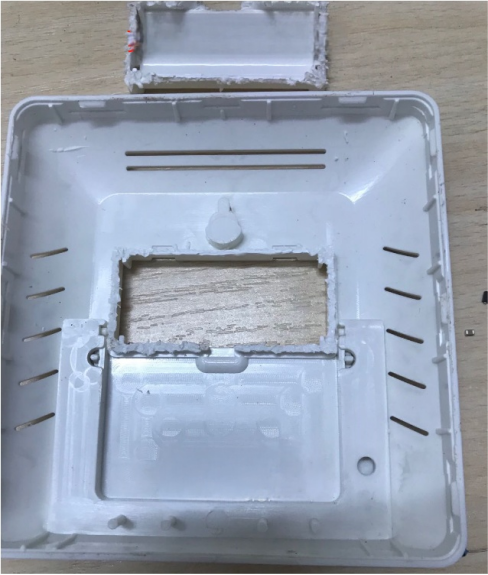
You can also drill a charging hole on the side, which will make it convenient to charge later.
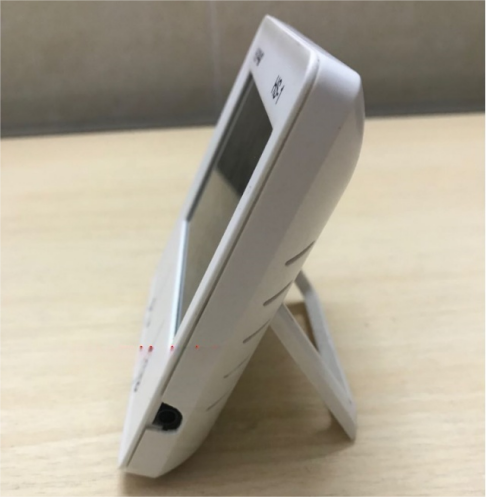
Once you've installed everything, the LCD should display normally.
However, if after installing it, this happens: when you press the "set" button to adjust the time, the LCD flashes briefly and goes off, then turns back on when you release the button, and even resets to zero, pressing it multiple times doesn't help. In this case, you can use an adjustable power supply set to 1.5V and connect it across the LED to power the LCD. This way, you can set the time normally.
If pressing the "set" button causes the LCD clock's buzzer to beep, it might be because the buzzer draws a lot of current. With the 33K resistor voltage-divider method, the supply is limited, the voltage drops significantly, and the LCD restarts. You can just adjust the time once and then leave the clock alone.
If, after setting the time, you notice that the LCD flashes roughly once a minute, it's probably because the current spikes during temperature and humidity sampling, which temporarily pulls down the LED voltage and makes the display dim. It only flashes for a moment during sampling.
If the lithium battery is fully charged and the voltage rises, the LCD power may exceed 1.8V, causing the display to turn off. If the lithium battery outputs 0V, it could be because the internal nickel strip is corroded and broken.
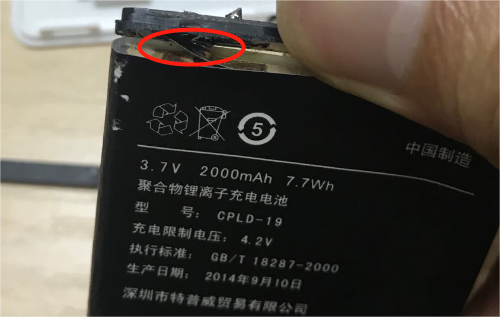
In that case, you'll need a new 4000mAh lithium battery and a few HT7833 3.3V LDO regulators.
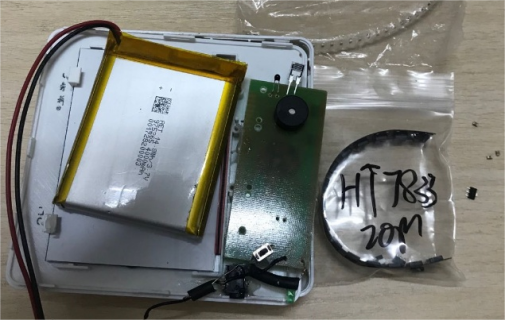
You'll also need to modify the circuit: you can have the lithium battery go through the HT7833 to output 3.3V, then connect the LED voltage-drop circuit to step down to 1.5V for the LCD power. This greatly increases the power supply capability, and it will work no matter how you test it.
Once installed, the LCD only consumes about 64µA when displaying. With a 4000mAh battery, you could use it for around 5 years before needing a recharge.
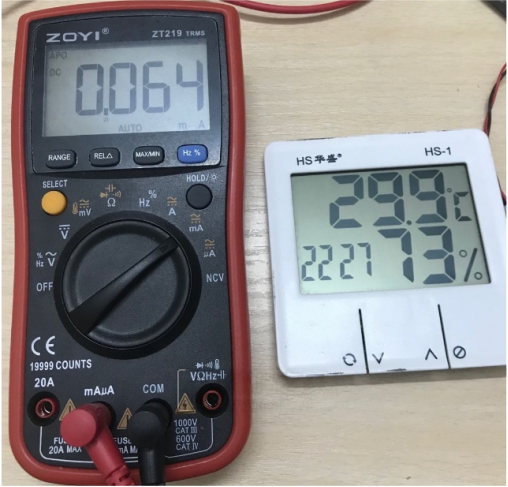
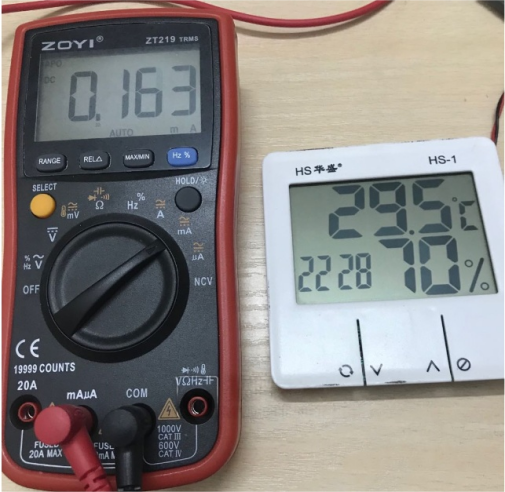
During the temperature and humidity sampling, the current is 163µA. With this modified circuit, the LCD won't flash during sampling anymore.
Finally, just fully charge the battery.
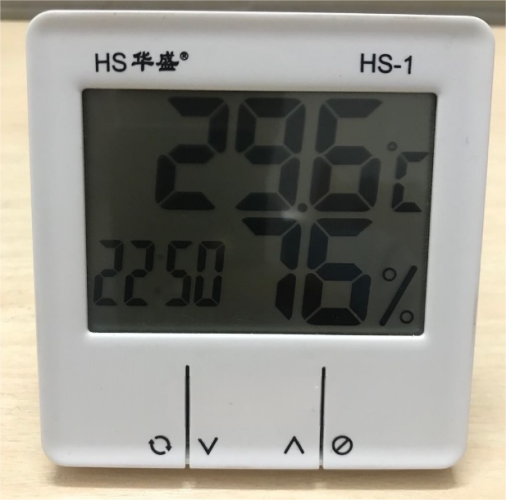
Done.


