
DIY VFD Clock Guide with 8-MD-06INKM Display


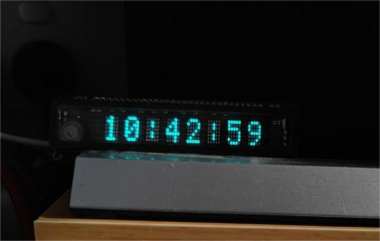
If you're interested in DIYing a VFD clock, this article is worth checking out.
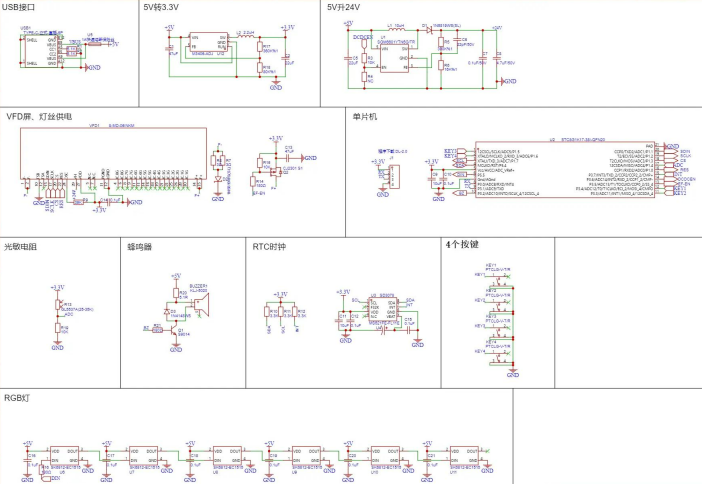
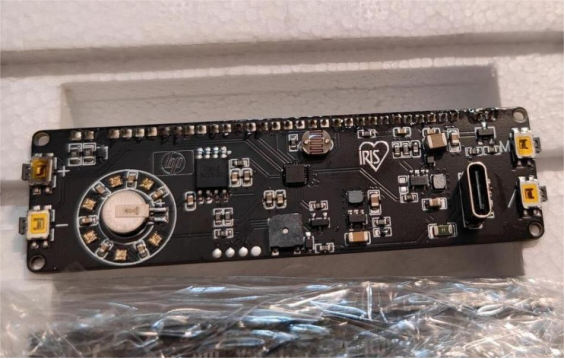
You'll need an 8-MD-06INKM VFD display with a built-in driver, and an STC8G1K17 microcontroller. For power, there are two DC-DC converters: an M3406-ADJ 3.3V to power the microcontroller, the clock chip, and the VFD filaments, and an SGM6601YTN5G/TR 5V boost to 24V for the high-voltage input of the VFD. The clock chip is an SD3078, with an accuracy of ±3.8ppm. The backup battery for timekeeping is an ML621-TZ1, which can keep the SD3078 running for about 8 months when fully charged. The breathing light uses SK6812 in a 1515 package.
It's important to note that the ML621 battery must be soldered with a soldering iron—never short both pins at once! Also, do not clean the buzzer with PCB wash!
The circuit diagram is shown below:
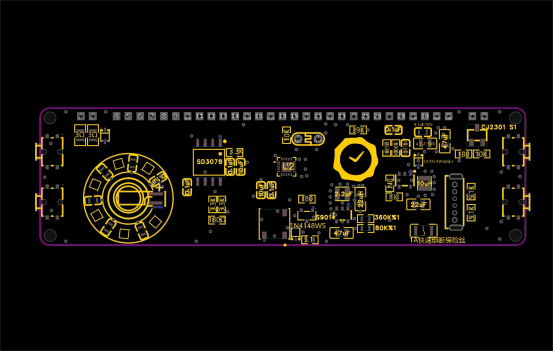
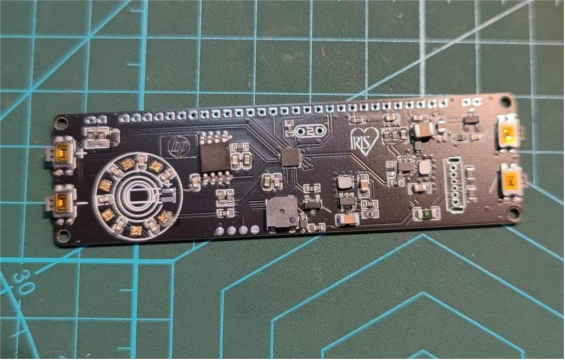
The PCB looks like this:
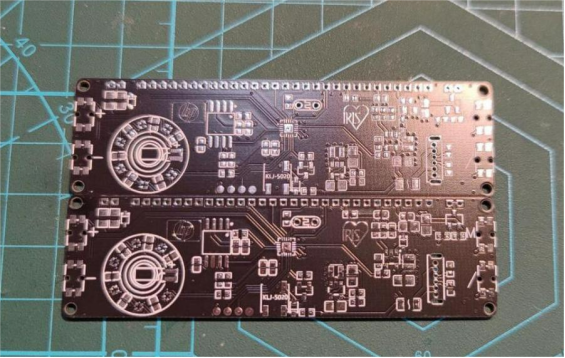
Board Fabrication
For the MCU, you can use a cheap and easy STC8. Its small form factor helps save board space.
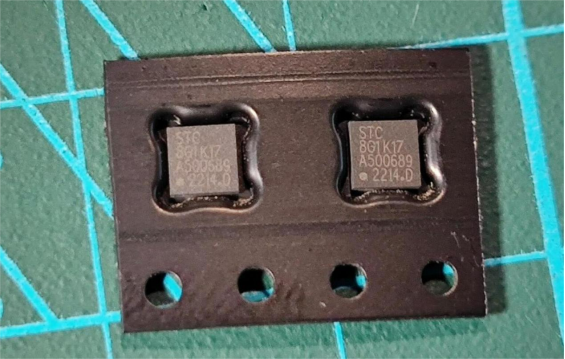
When soldering components, make sure to apply solder paste first.
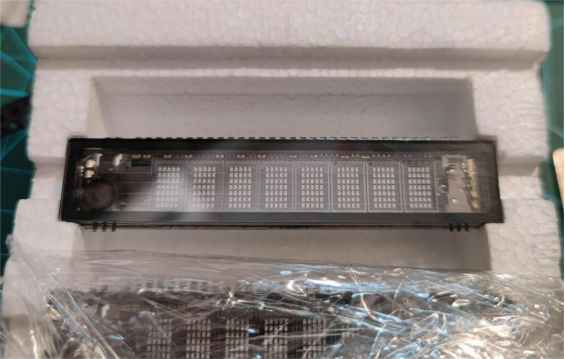
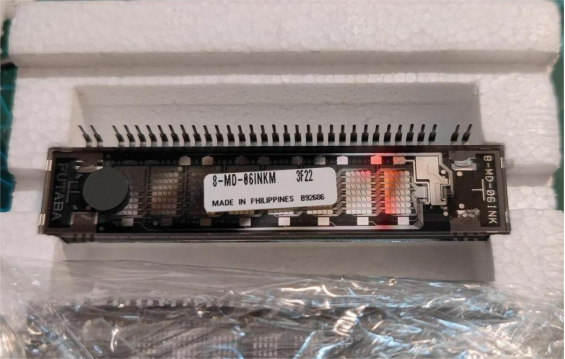
For the VFD, you can go with the FUTABA 8-MD-06INK—it's affordable.
After writing the program to the MCU, you can install the screen, light sensor, and clock battery. But make sure to double-check your soldering and check for shorts after adding all components and before programming. A small short could damage the board, and a serious one could even fry your computer! For the programming part, you'll need to familiarize yourself with STC-ISP. Set the frequency to 24M.
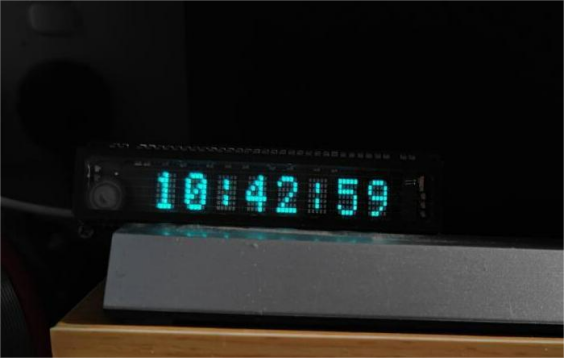
Once that's done, you can assemble the VFD display with the PCB. Use 3M double-sided tape to fix the VFD to the PCB. For the back panel, use single-through M2-5+3mm copper pillars ×4, and for the front panel, use double-through M2-7mm copper pillars ×4. Then secure everything with M2 rounded hex screws ×8 and two cut 1.8mm thick acrylic panels. When powered on, the display will look like this:
Done


