
DIY ONDA A58V+ Gigabit NIC Upgrade Guide


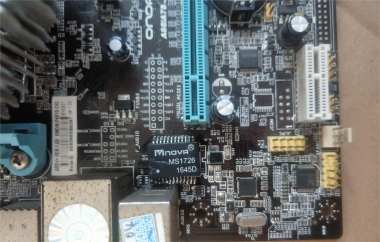
If you're interested in a DIY mod to upgrade the onboard 100 Mbps NIC on the ONDA A58V+ motherboard to gigabit, you might want to check out this article.
If you have an ONDA A58V motherboard pulled from an old PC upgrade, you could turn it into a NAS, a soft router, or a download box, but a 100 Mbps port is pretty limiting, so what should you do? You can add a gigabit PCIe network card.
First, you'll need a hot-air gun like a WL 858A+, set the temperature to 390 °C and the airflow to 2.5, and remove the onboard RTL8105E. You'll need to heat it for about 6–7 minutes. After that, you'll need to clean and level the pads using solder wick.
If you don't care about preserving the board layers, you can directly use a gas stove to remove the RTL8111F and then clean the pads with solder wick. Also, if you don't have a solder-paste stencil, just use a bit more flux and make sure you spread it evenly.
Make sure everything is aligned before blowing it back into place, then touch up the solder joints. You can also use a flashlight to check for cold joints or solder bridges.
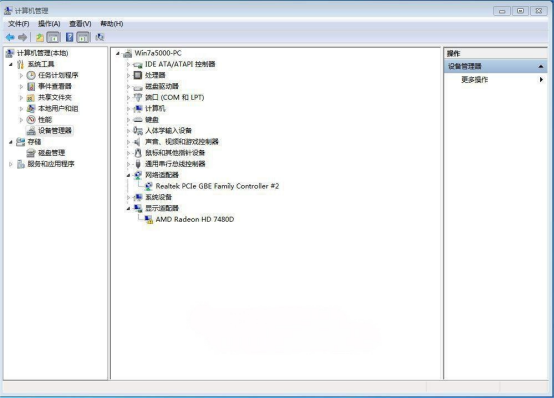
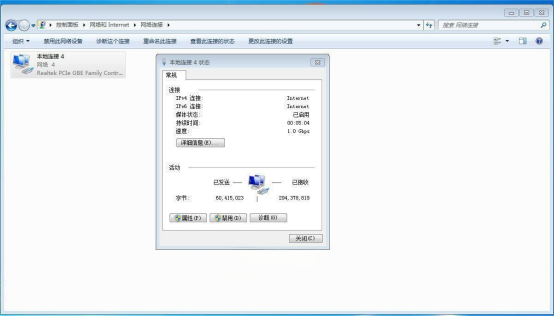
After it cools down, you can power it on and test it. As shown in the image, the gigabit NIC is recognized, and at this point you can shut it down again and replace the network transformer.
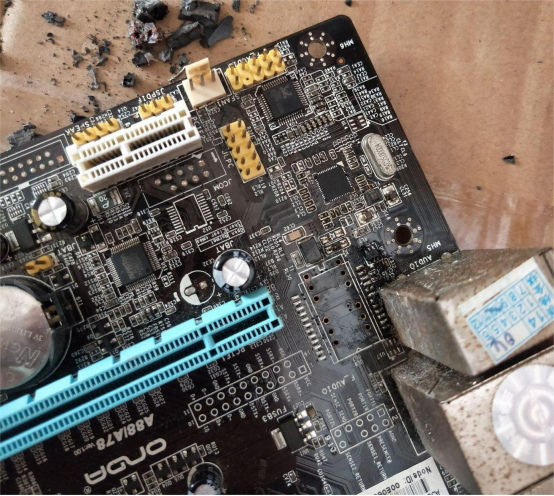
The original board uses a 100 Mbps plug-in module, and if you don't have a heated desoldering gun, you can also remove it directly.
The transformer on the donor board is integrated with the RJ45 port, and the pin layout is different. If you happen to have a scrapped ZTE E8820 with a dead CPU, you can pull the transformer from that board.
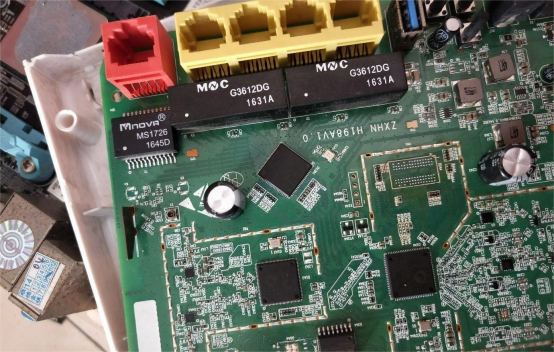
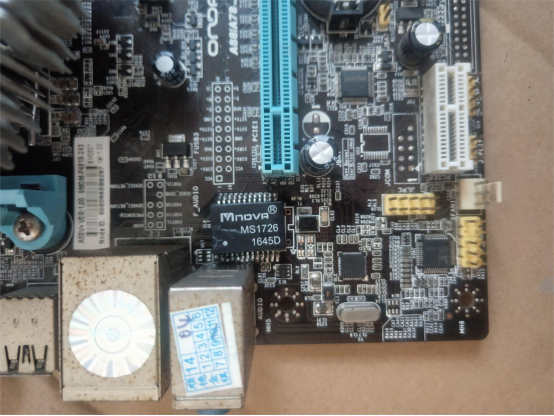
The transformer position is shown in the image. To let the soldering iron tip reach properly, you can mount it slightly crooked as long as it works. Once that's done, you can power it on and test it.
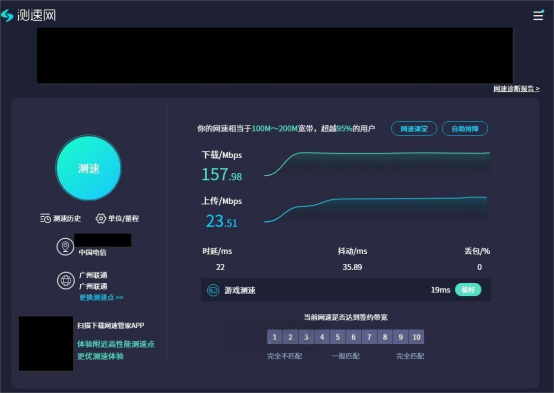
The network speed test is shown below.
If you used a stencil to reball the memory and later realized the ZTE E8820 router's CPU is dead, and the GPU's Series-25 SPI is also broken, and the programmer keeps reading corrupted data, and even after flashing multiple times the GPU still does not work and the programmer still shows bad data, then you can only pull the SPI chip from a Seagate hard drive instead.
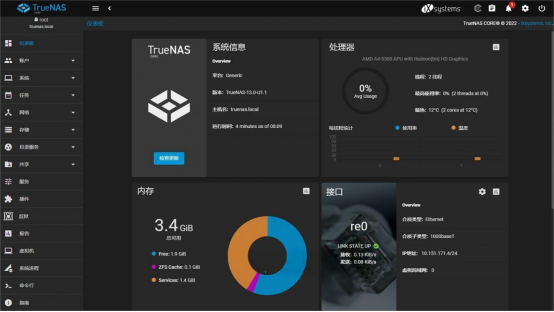
The picture below shows FreeNAS successfully installed and running.
There isn't a lot of material in this DIY write-up, but hopefully it gives you some useful ideas for your own projects.
The end.


