
DIY Turn an AC Ammeter into an RF Power Meter


A common AC ammeter used in distribution cabinets, range 0–500 A, type 6L2—how do you DIY it into an RF power meter? If you're interested, just keep reading.
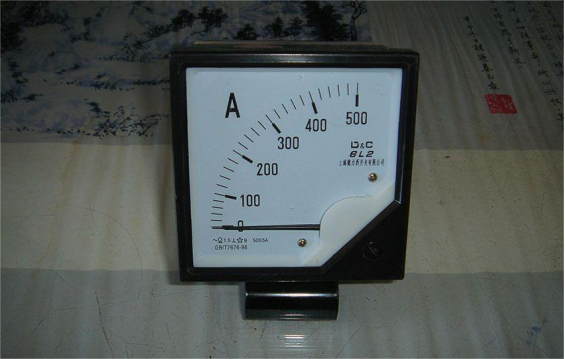
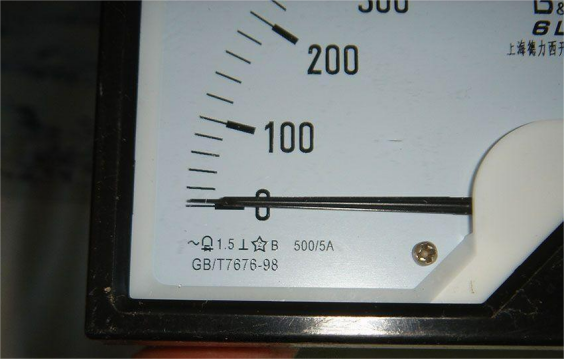
First, let's take a look at the meter's specs, as shown in the picture. The small marking under the pointer says this is an AC meter, magnetoelectric type, accuracy class 1.5, so you need to use it together with a 500/5 A current transformer. After all, trying to measure 500 A directly with this meter is unrealistic. So in reality, this meter is labeled as 500 A, but its actual full-scale current is only 5 A.
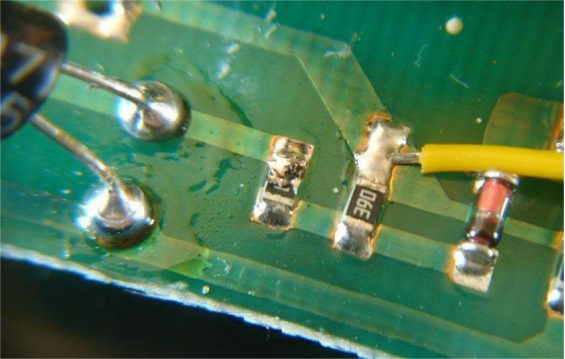
Next, you can open it up and check the internal structure. The circuit inside is very simple: one current transformer and a few electronic components that form a rectifier circuit. The current transformer scales the 5 A current down to the mA level, and the rectifier turns the AC signal into DC to drive the meter movement.
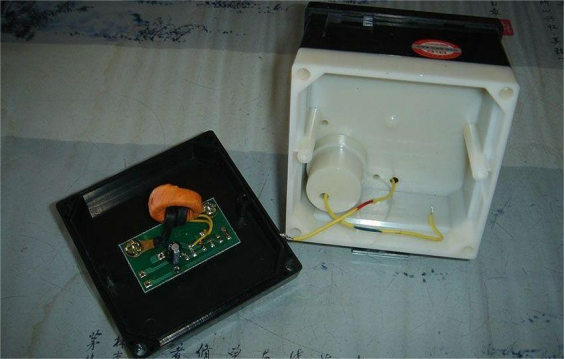
The whole circuit is shown in the picture, which is a half-bridge rectifier made of two diodes.
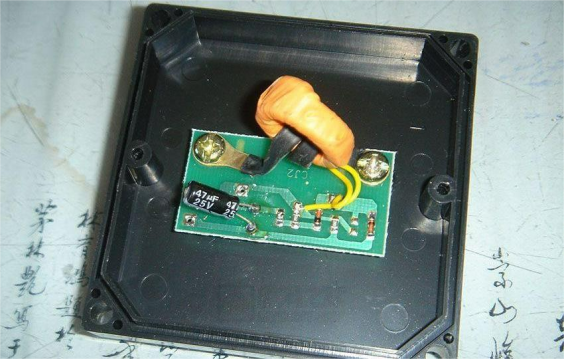
The details are shown in the picture.
Now comes the modification part.
First, you need to measure the parameters of the meter movement to get ready for the mod, and the key thing is to measure its internal resistance.
If you just assume you can use the ohms range on a multimeter directly, be aware that this is absolutely wrong! The resistance range of a multimeter applies a certain current, and for a movement whose full-scale current is in the microamp range, doing this may overload and damage the movement. This is especially true for delicate taut-band movements, which can be ruined by a single overload.
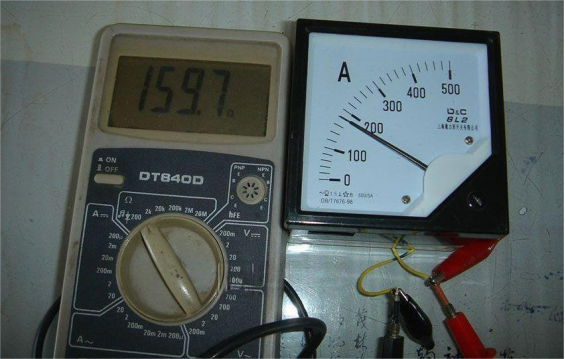
The correct way is to pass a very small DC current through the movement, slowly increasing it from zero until the pointer reaches full scale. At that point, measure the voltage across the movement with a voltmeter, and then calculate the internal resistance using Ohm's law.
After testing, the internal resistance of this movement is 159.7 Ω.
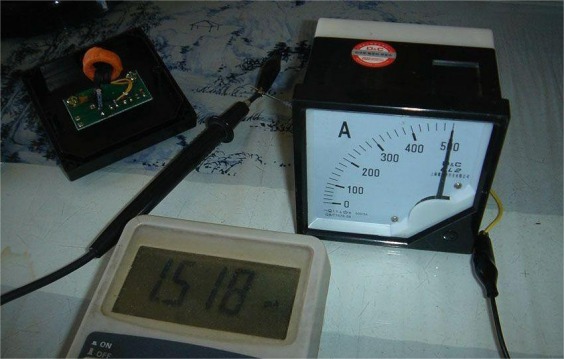
As for the full-scale current, you can use a regulated power supply in series with a 10 kΩ resistor for protection, then slowly increase the voltage until the pointer reaches full scale. The measured full-scale current is 1.518 mA.
For this kind of mechanical movement, you also need to pay attention to linearity and damping. First, the damping of this movement is very poor and the pointer swings violently, and on top of that, the linearity is off by a noticeable amount.
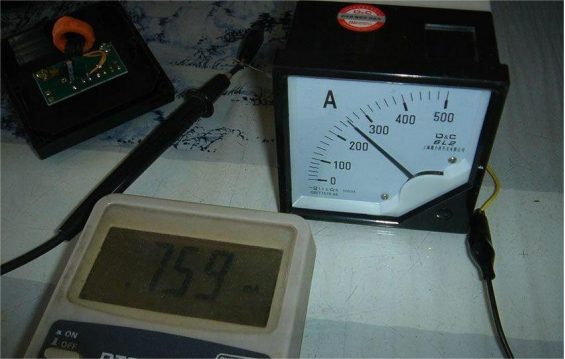
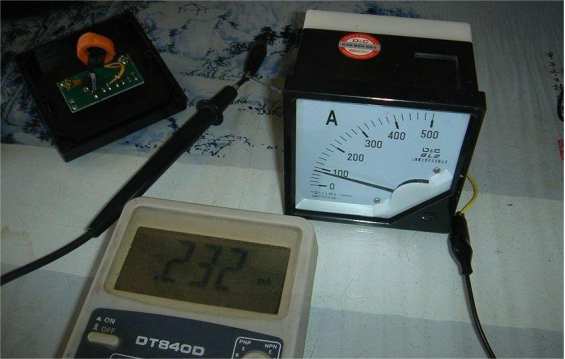
Next is the actual process of turning it into an RF power meter.
An RF power meter doesn't have very strict accuracy requirements, and it's fine for roughly measuring the output of a homemade transceiver, plus there is plenty of space inside the case.
The target specs for the RF power meter are:
Operating frequency: DC–30 MHz
Input impedance: 50 Ω
Ranges: 0–500 mW and 0–5 W
You can start with a termination-type design for now, without making it a through-type meter and without adding reverse power measurement. First, you expand the range of the movement so that 0–5 V corresponds to the 0–500 mW range, and 0–15 V corresponds to the 0–5 W range, then fine-tune and calibrate it and calculate the shunt or series values needed for the movement. So how do you turn a 157.9 Ω, 1.5 mA ammeter into a 5 V and 15 V voltmeter?
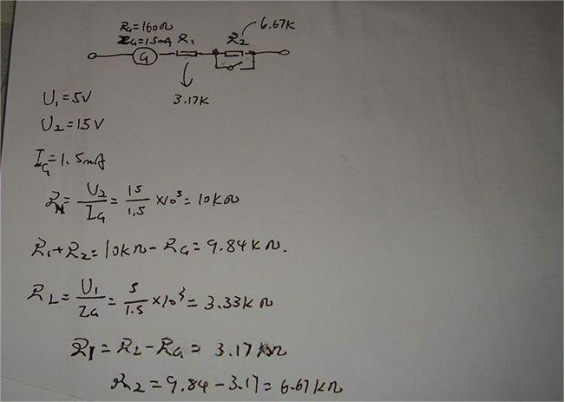
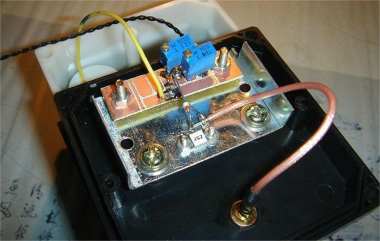
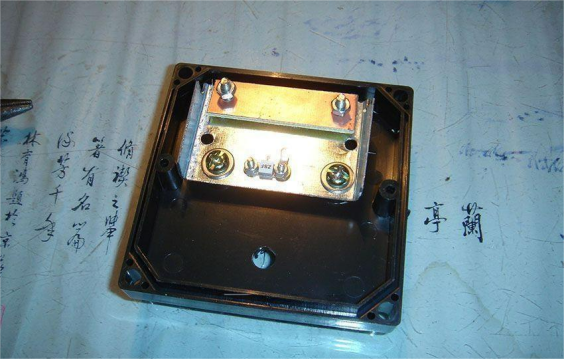
You need to find a piece of sheet metal to mount the 50 Ω termination resistor.
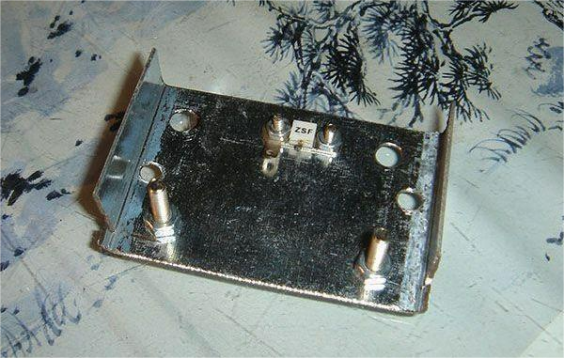
Then you can reuse the original binding posts on the back of the case and fix them in place.
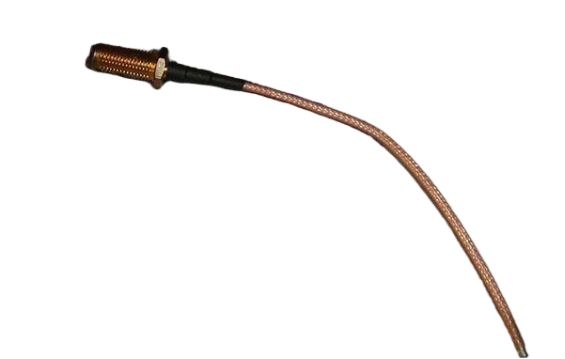
You also need to add an RF connector.
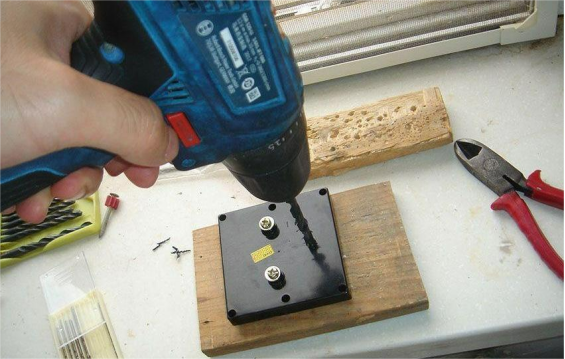
Then you need to drill a hole in the back cover for it.
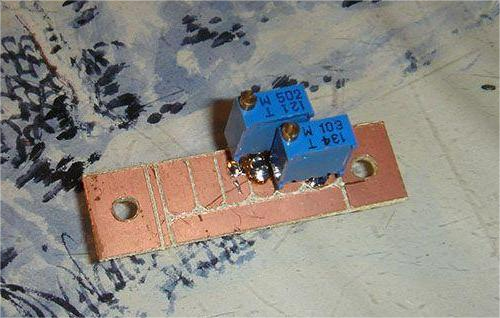
You can use scraps of copper-clad board to mount the circuit.
After that, you can assemble everything together.
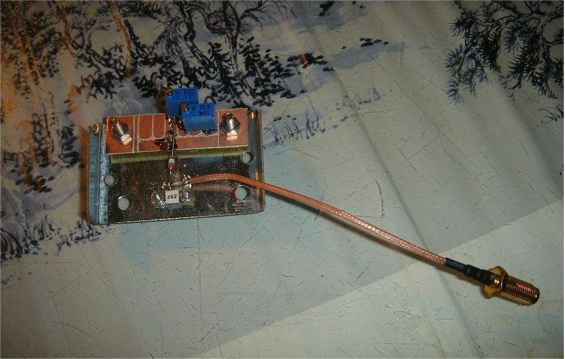
You can also add a range switch yourself, and the range shown in the picture is 5 W.
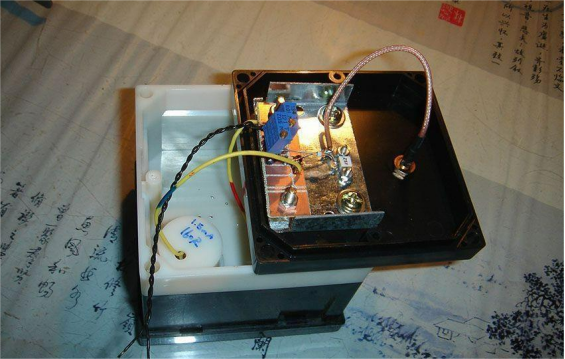
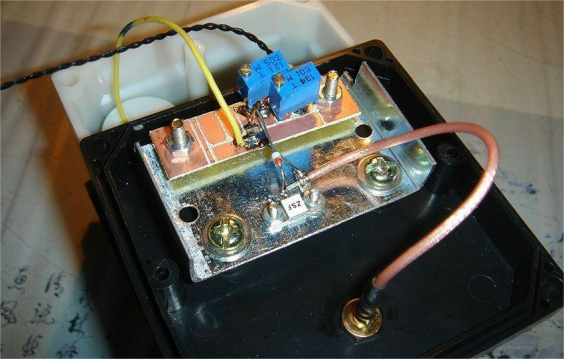
Once the back cover is on, the build is finished.
Now you can test it.
For testing in this article, a uSDX was used, which outputs about 3 W in CW mode, and the reading is fairly accurate.
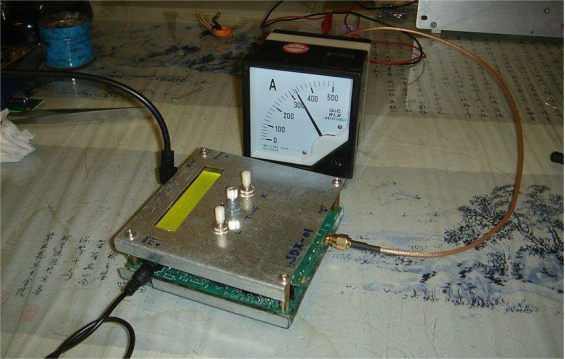
Another unit in SSB mode can output up to 5 W, and it shows about 4 W on the meter, which is also acceptable.
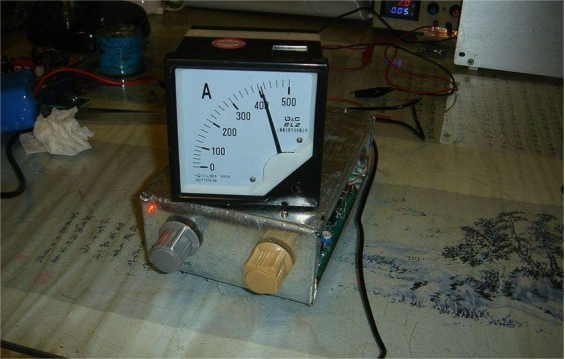
You can further tweak the details, for example by changing the “A” on the scale to “mW.”
At this point, this simple RF power meter is done.


