
DIY WCH-Link with CH549 Microcontroller


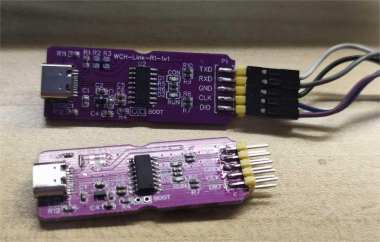
If you've also gotten hooked on the WCH series of microcontrollers and are interested in DIY-ing a WCH-Link, you might want to check out this article.
If you have a CH552 or CH582M, the CH582M is actually pretty good. It comes with 2 USB ports and Bluetooth, plus around 40 IO pins. Both USB ports support host and device modes. But for hardware debugging and flashing, you'll need various links like ST-Link or JTAG. If you're not familiar with those, you could try the WCH series microcontrollers instead.
WCH launched the WCH-Link, with open circuits and downloadable firmware that gets automatic updates regularly. The microcontroller used is the CH549. The surrounding circuitry is simple, making it perfect for DIY projects.
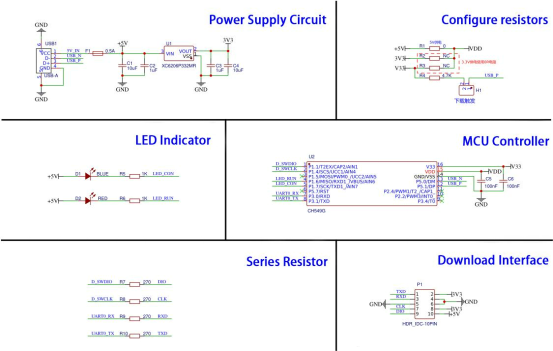
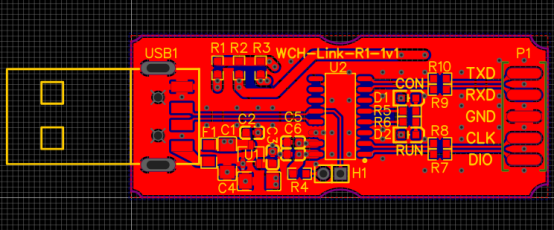
You'll need to make some modifications based on the image above. You need to replace the USB Type-C port, and all surface-mount capacitors, resistors, and LEDs should be changed to 0603 packages. So you'll need to prepare surface-mount capacitors, resistors, LEDs, a Type-C port, an XC6206, and the CH549 microcontroller.
After making the PCB, it looks like the image below.
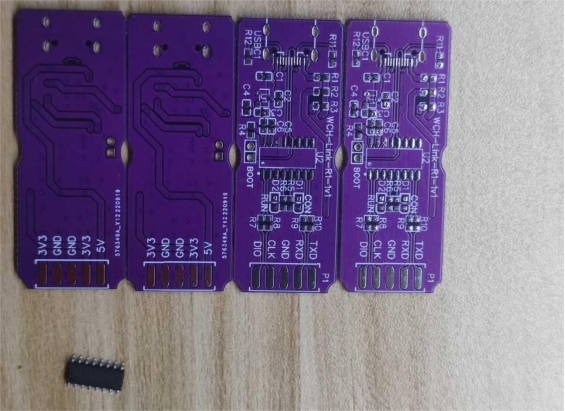
Here's how it looks with the components placed, but don't use too much solder paste.
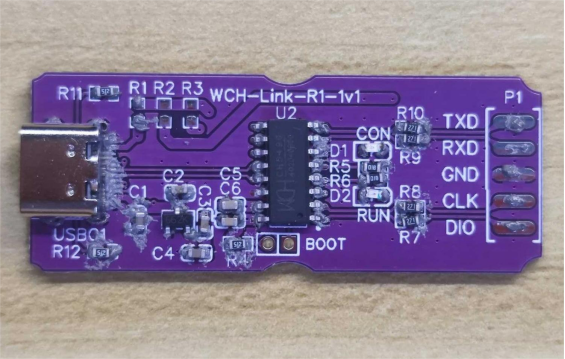
If you use too much solder paste, heating the Type-C port with a PTC station can easily cause a short circuit. In that case, you'll have to remove the extra solder to prevent the short.
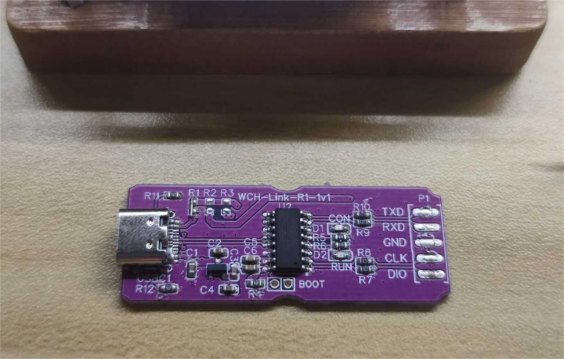
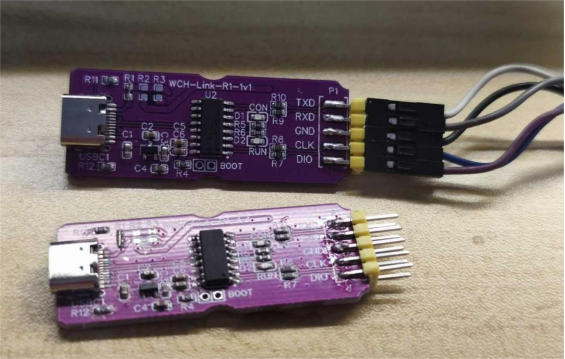
You can also use two CH549s, as shown in the image below.
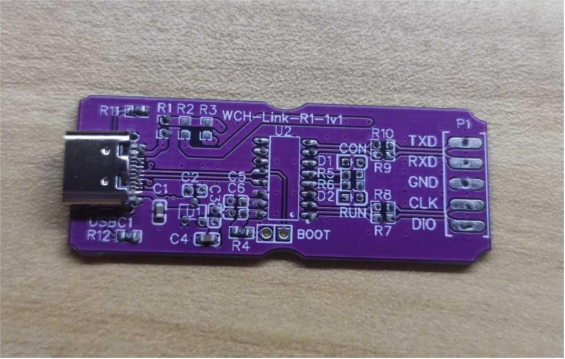
After soldering, it looks like this:
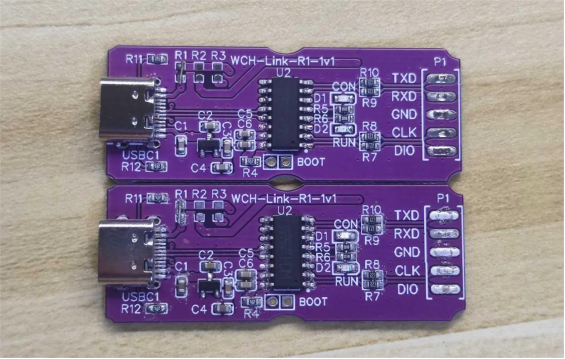
For the firmware, the official documentation is very clear, and it can automatically update to version 2.6. You need to connect the 2-wire debug port and the serial port.
Finally, here's the debug and flashing effect in the IDE:
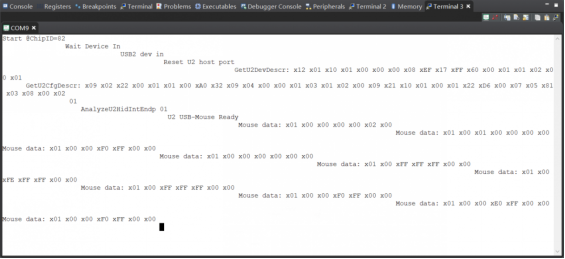
This is the serial output:
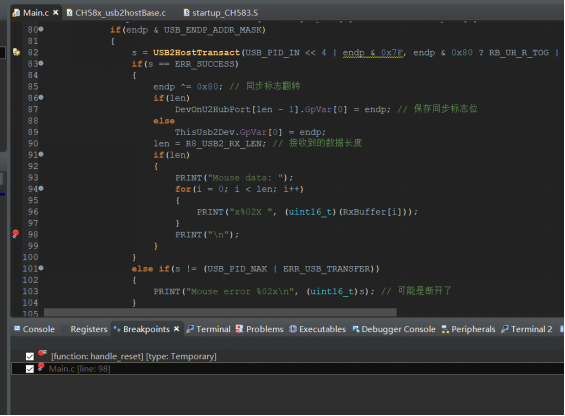
Set a breakpoint and pause:
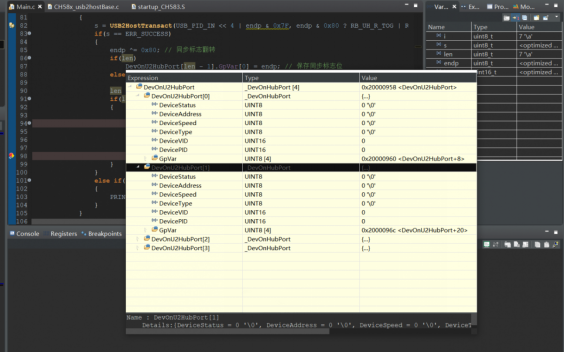
The various values are shown in the image below.
Done.


