
DIY Fix for LAiSAi ISG686SD Laser Level


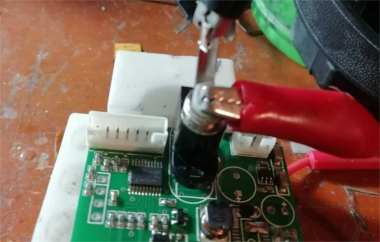
If your LAiSAi ISG686SD laser level won't turn on, what should you do? Don't worry—you can follow the steps in this guide and try to fix it together.
The picture below shows a broken LAiSAi ISG686SD laser level that won't power on.
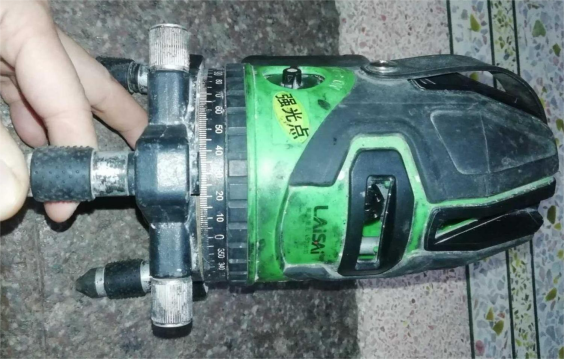
This device needs an external power supply to start up, and the initial current is very high, almost like a short circuit. To repair it, you'll need to disassemble it first. If you can't find screws except around the knob, actually, they are under the scale ring at the bottom. There's a rubber ring covering the four screws—once you remove the rubber ring, the screws will be visible.
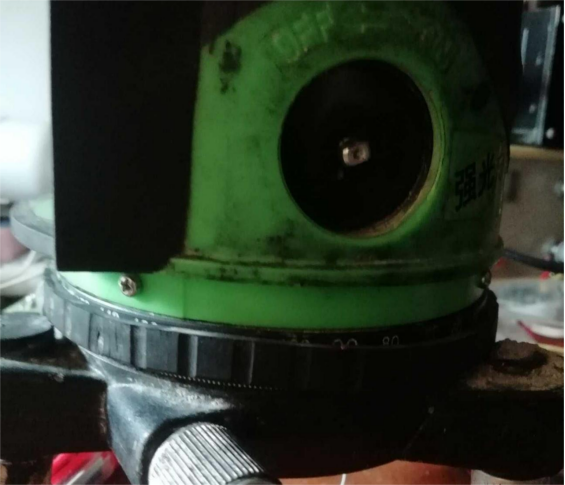
You need to remove the knob and the four screws. Pull the outer casing up about two-thirds, then disconnect the mainboard ribbon cable to fully open it. Once opened, you'll see that it's not very complicated: a button board, an adapter board that also handles tilt alarm detection, a mainboard, three laser heads, and a two-axis automatic vertical mechanical structure. The difference between a good and bad unit usually lies in the precision of the laser heads and the mechanical parts.
After opening it, you can first check the laser heads—they just need to light up.
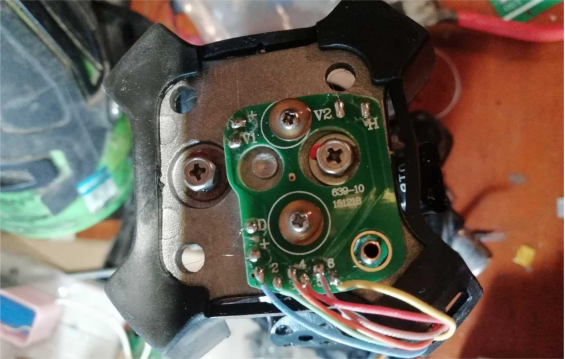
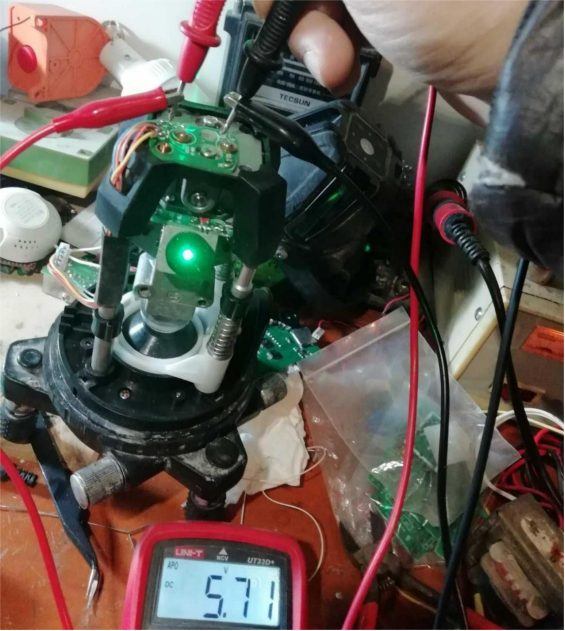
Next, you can test the mainboard. You can power the mainboard separately. If the current is still almost like a short circuit, it confirms the mainboard is faulty. In that case, you'll need a replacement mainboard compatible with this instrument, like the one shown below.
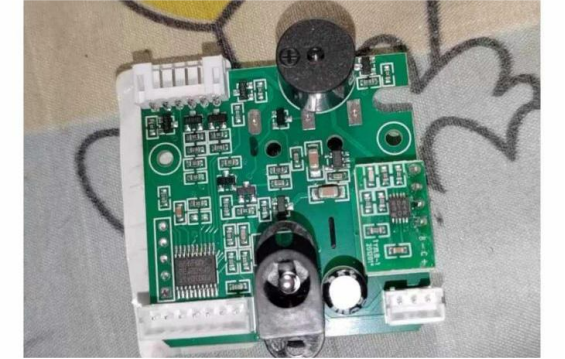
If you don't want to buy a new board, you can also repair the old one. As shown in the picture below, one of the transistors on the board appears cracked (marked 01AH, which can be replaced with A1SHB). If you remove it but the switch still draws a very high current, you'll need to refer to the rough schematic drawn for the mainboard. Basically, a single-chip microcontroller controls two sets (4 units) of vertical laser heads and one horizontal laser head, and it also handles the tilt alarm.
You will need an LM2700MT to provide a stable power supply for the laser heads, and an L349 for lithium battery management.
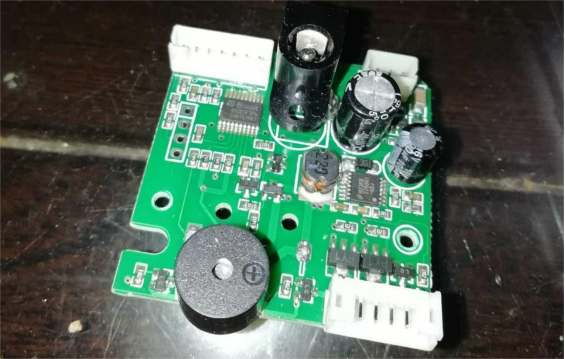
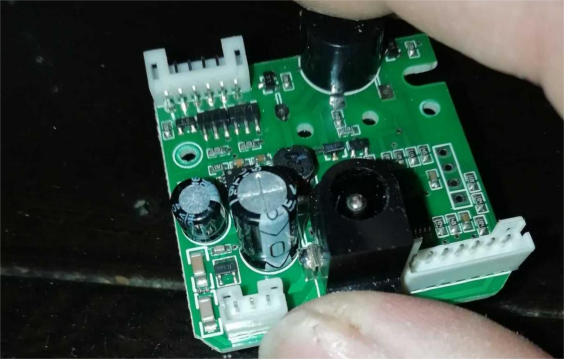
The circuit diagram is shown below:
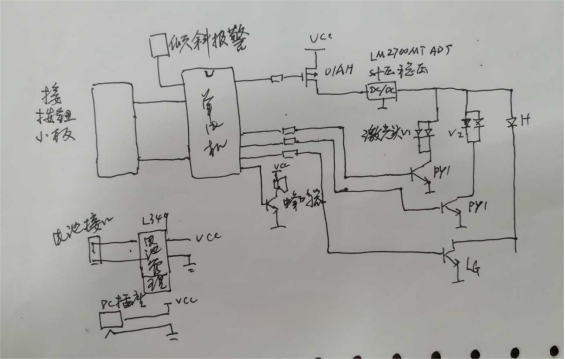
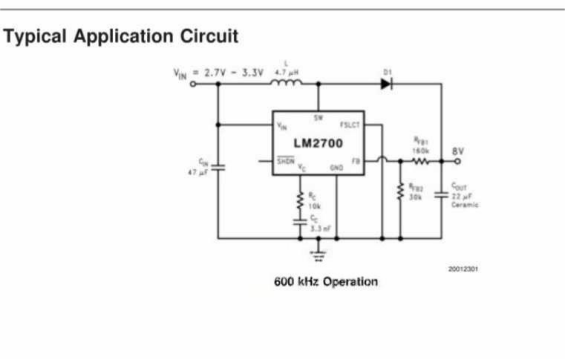
The voltage regulator chip is often the culprit. First, check the regulator chip. If it gets very hot when powered, it could be due to the high demands of the PWM DC-DC converter on the filter capacitor. In that case, the output filter capacitor might be damaged, and you'll need to replace the chip.
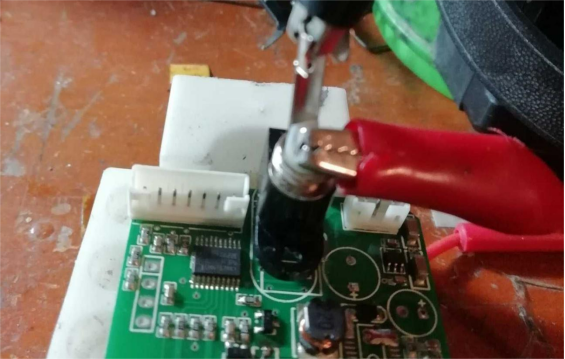
The removed chip is shown in the picture below.
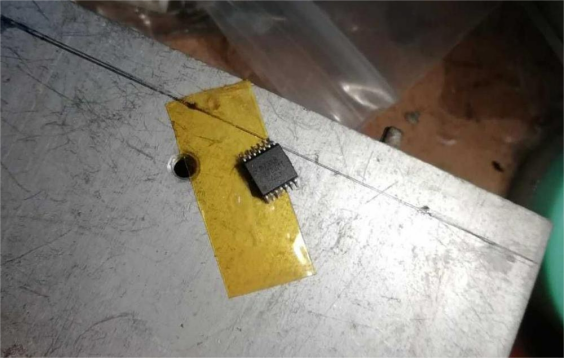
In this case, once the chip is removed, the current returns to normal. You can choose LM2700—or skip it, though the laser brightness will then fluctuate with the supply voltage.
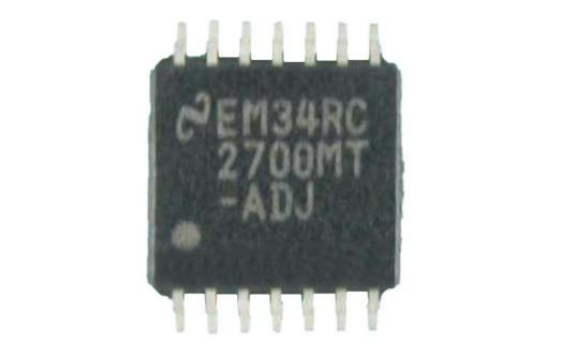
After replacing it, test it. Regardless of the input voltage, the LM2700 output should stay around 7.7V.
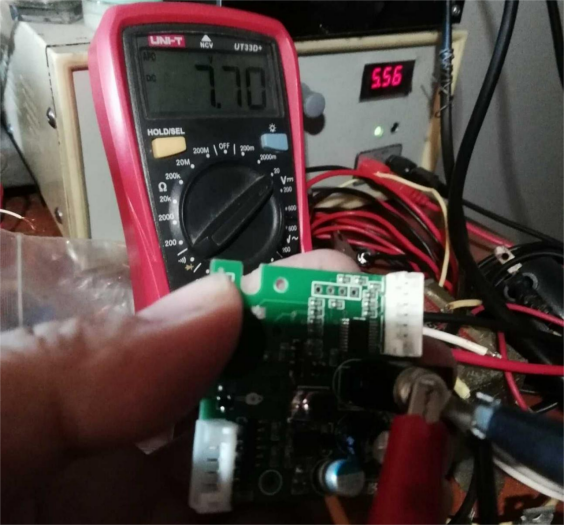
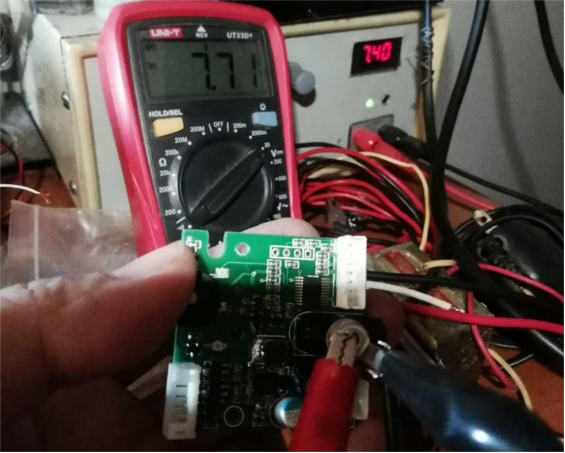
Reassemble and test, and everything should work properly.
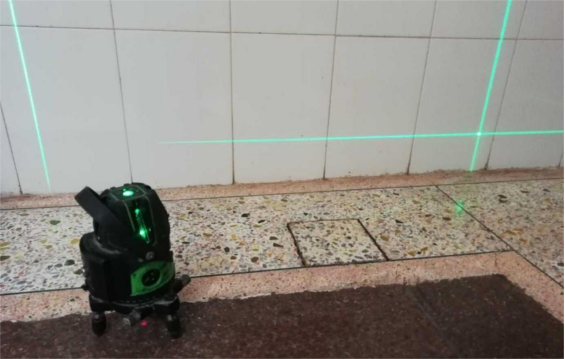
Done.


