
DIY Upgrade: Rx8025T for Watches & Desk Lamps


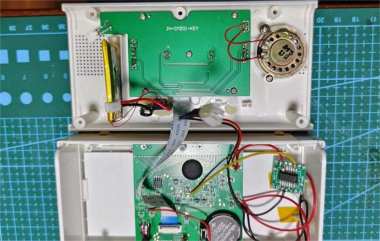
If you're interested in using the Rx8025T to DIY-mod your electronic watches, you might want to check out this article.
As shown in the picture below, these electronic watches and desk lamps can all be upgraded or modified using the Rx8025T.
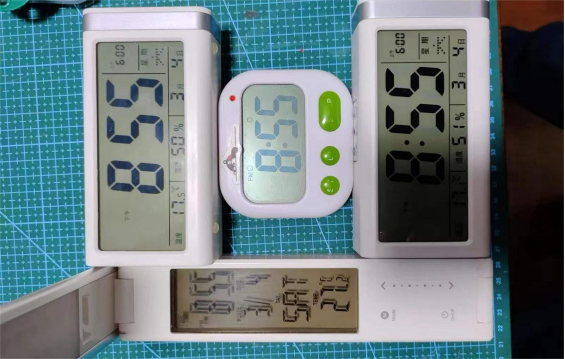
The modification process for these electronic watches and desk lamps is as follows:
1. For two J1 units, remove the AM1117 from the clock board, replace it with an XC6206, add a TP4056 lithium battery charging module, switch to lithium battery power, change the blue backlight to a white backlight, and install the 8025T.
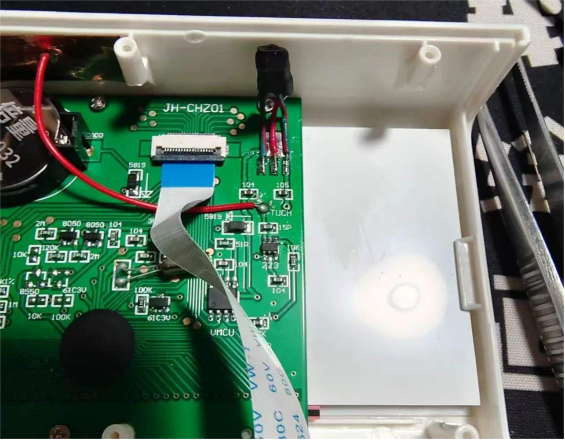
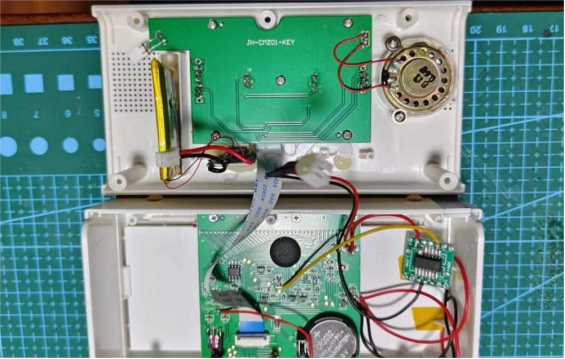
2. For the small electronic watch, change the blue backlight to a white backlight and replace the clock chip with the RX8025T.
3. For the small desk lamp, the clock was originally powered by a CR2032 battery. This time, it will be powered by the lamp's lithium battery. Add an XC6025 voltage regulator to output 3.3V. For the input and output capacitors of the XC6025 circuit, if you don't have SMD capacitors, you can use ceramic capacitors instead, and after soldering, seal them with heat shrink tubing. Remove the original crystal and replace it with the RX8025T. Place the XC6025 voltage regulator circuit next to the clock, and put the RX8025T inside the lamp base's battery compartment for easier power connection.
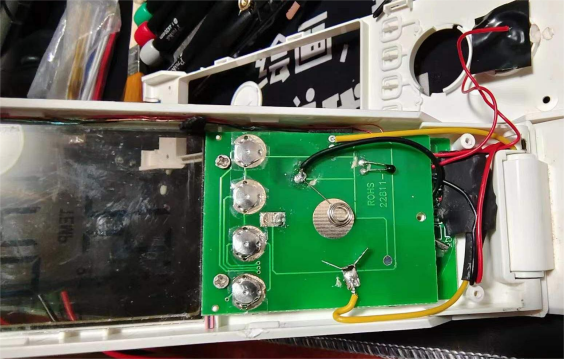
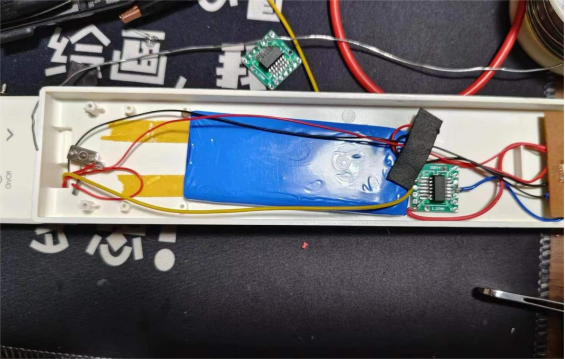
It's important to note that when modifying the J1 for lithium battery use, you need to replace the AM1117 with the XC6206 to meet the 3.3V power requirement. Also, when removing the crystal, you must also remove the capacitors connected to its pins, which could be one or two depending on the circuit. The final precision of the modification still needs to be observed over time. The picture below shows the RX8025T output frequency measured with an oscilloscope and a multimeter.
The End


