
DIY PIC Frequency Counter for Hobby Radios


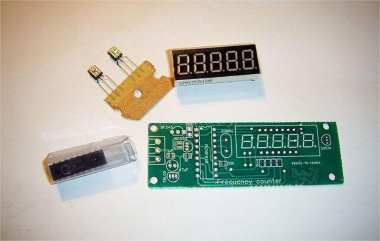
In the last DIY article, DIY JDM PIC Programmer for Serial Port MCU, we showed how to make a JDM PIC programmer. In this DIY article, we'll show how to build a DIY PIC microcontroller frequency display module. If you're interested, keep reading.
This is a simple frequency counter, powered by a PIC16F628A microcontroller, capable of measuring frequencies from 1Hz to 50MHz. It has convenient features like low power consumption, automatic range switching, and intermediate frequency addition/subtraction calculations. You'll need 4–5 seven-segment displays to show the frequency.
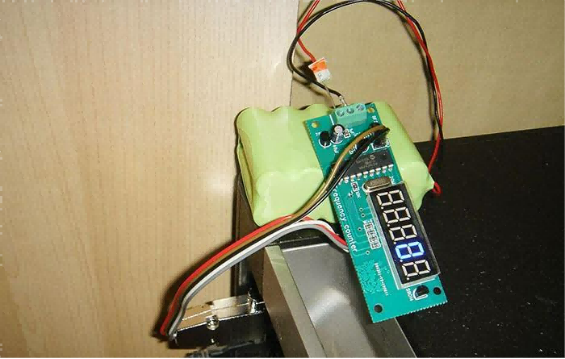
You can make the board in a long, strip-like shape according to your needs, and it can be installed modularly, as shown in the picture below.
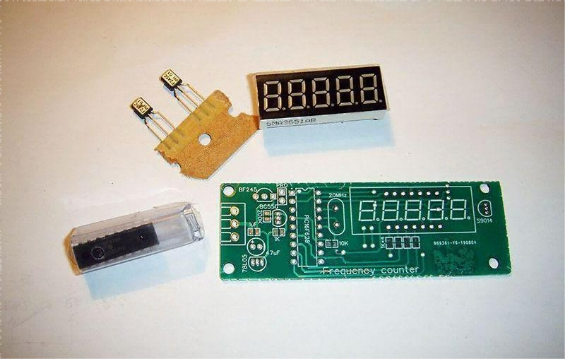
It doesn't require many components, so soldering is very straightforward.
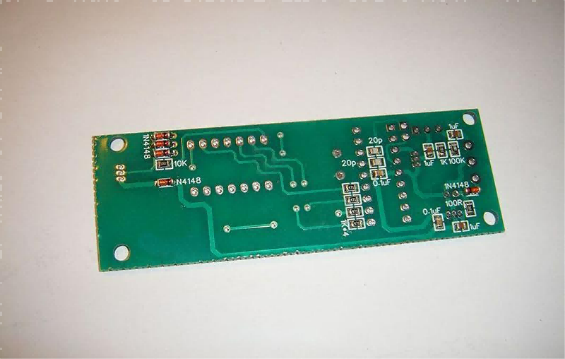
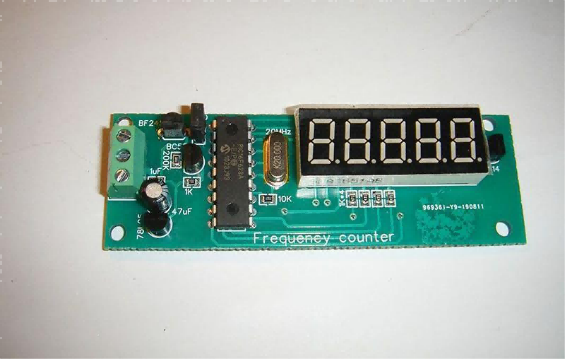
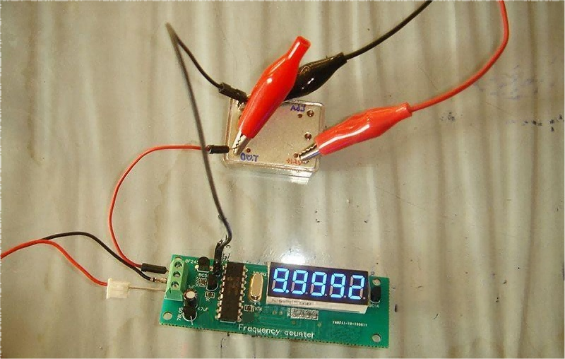
Based on the program from the last DIY article, testing results are shown in the picture below.
It barely needs any adjustment and works right out of the box. In the picture above, the test uses a 10.000MHz temperature-controlled crystal oscillator. The reason there's a small display error comes from two factors:
1. The frequency counter's reference is a standard crystal oscillator.
2. The load capacitance of this crystal is unknown, so the 22pF capacitor used may not be ideal, causing a frequency shift.
Overall, the frequency counter works successfully. It has a very useful feature: it can display the intermediate frequency (IF), which is perfect for homemade radios.
Measuring the local oscillator (LO) frequency is much simpler than measuring the input frequency.
A superheterodyne radio operates at a specific frequency. In transmit mode, you can test directly. But in receive mode, if there's no signal, you can't measure the working frequency. The LO, however, always outputs a stable frequency, whether receiving or transmitting. According to superheterodyne principles, the receive frequency equals the LO frequency minus or plus the IF. So by measuring the LO frequency and subtracting the IF, you can know the working frequency.
This frequency counter allows you to automatically subtract the IF through settings, which is very convenient.
For example, if the working frequency is 7.050MHz and the IF is 9MHz, then the LO frequency is 7.050MHz + 9MHz = 16.050MHz. Connect the frequency counter to the LO output and set it to display the measured value minus 9MHz. If the LO measures 16.050MHz, the display will show 7.050MHz, which is exactly the working frequency.
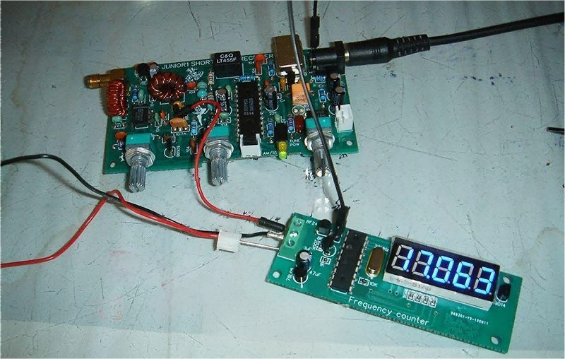
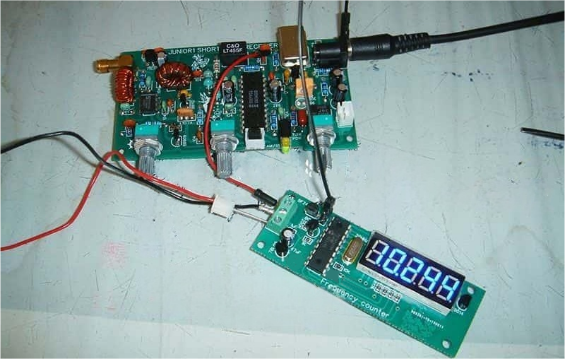
Let's do some practical testing. In this JUNIOR1 shortwave receiver, there's a variable first LO from 17MHz–20MHz, a 10.245MHz second LO, and a 455kHz beat frequency oscillator.
As shown in the picture below, testing the first LO gives 17.063MHz, directly taken from the LC oscillator circuit.
Testing the 455kHz beat frequency oscillator is shown below.
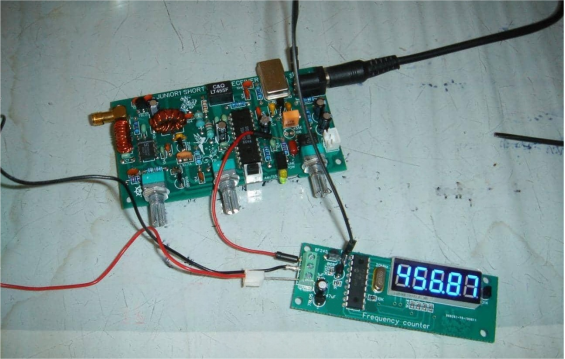
Testing the 10.245MHz second LO also works very well, as shown in the picture below.
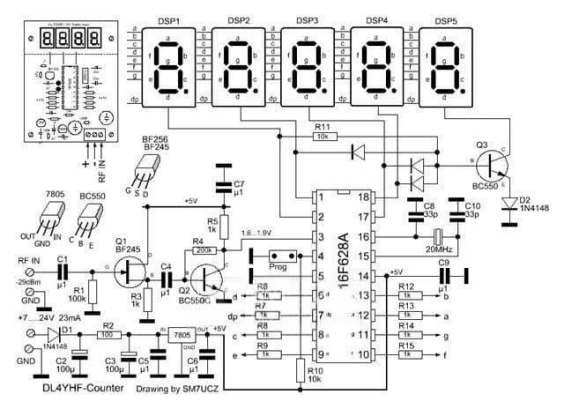
Finally, here's the circuit diagram.
The End


