
DIY BTS-100 Memory Battery Replacement


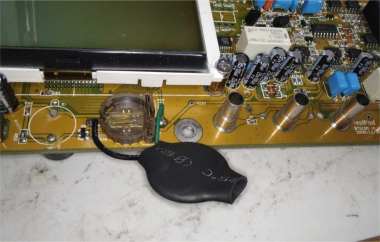
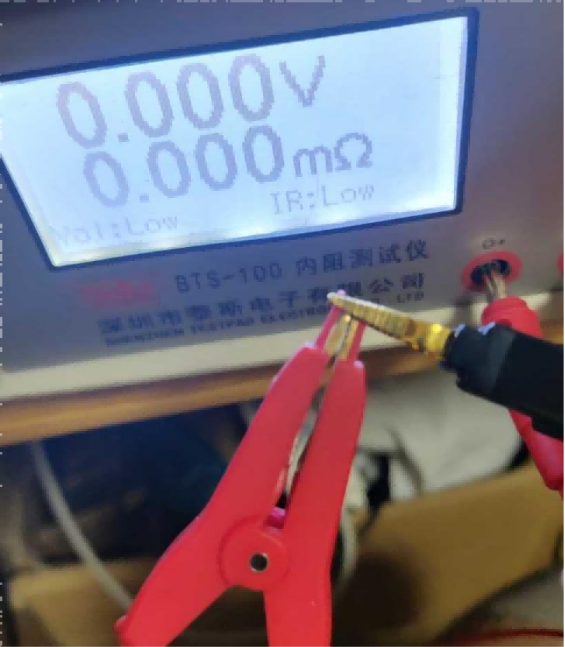
If you have a desktop BTS-100 internal resistance tester and you've been using it for a while, it might not be very practical anymore. The voltage is only ±50V, and the internal resistance response is a bit slow. You can barely use it, but it can't save settings after powering on. This is probably caused by the memory battery running out. So, what should you do? If you're interested, why not follow this guide to DIY a memory battery and replace the battery in your desktop BTS-100 internal resistance tester?
Of course, before you can replace the battery, you first need to open the machine. Once it's disassembled, you'll be able to see the battery. If you don't have the right battery for replacement, you can make do with whatever battery you have on hand. You can also refer to this guide to modify a different type of battery to fit.
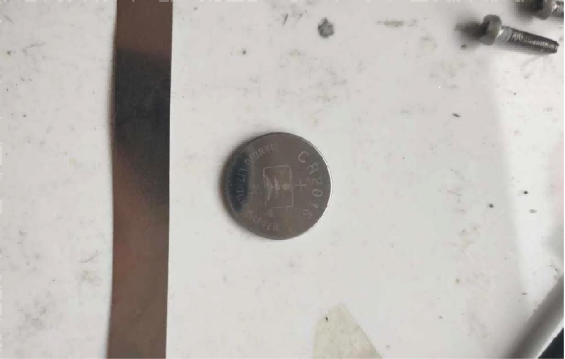
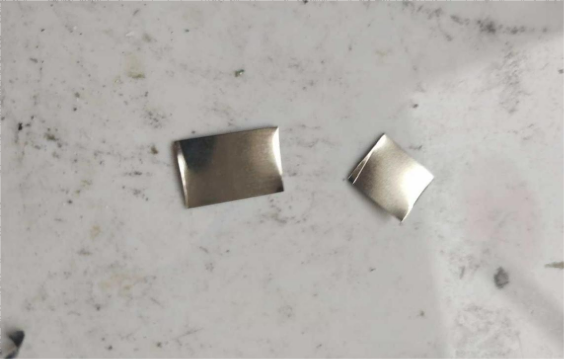
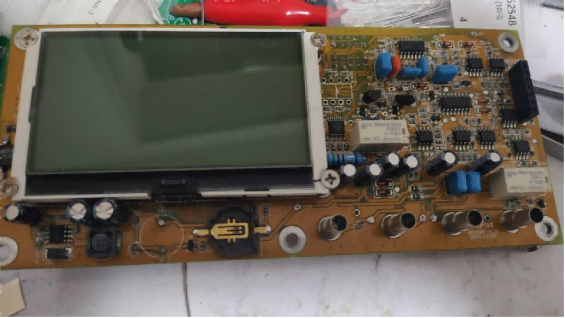
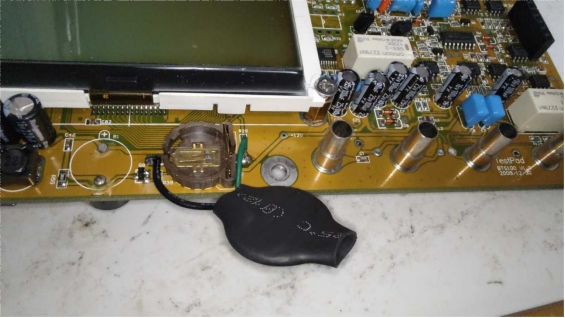
When welding with a soldering machine, remember to adjust the parameters properly to avoid accidentally blowing up the battery. If that happens, you'll need to readjust the parameters to weld it properly again. Make sure to cover the battery with heat shrink tubing for insulation and weld it onto the battery holder.
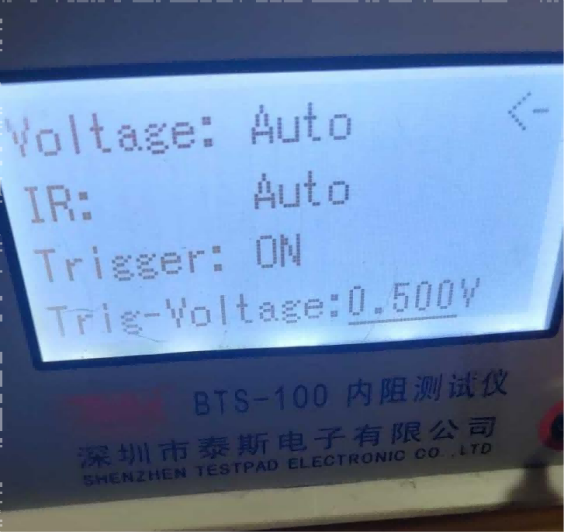
And that's it! Now the parameters can be saved. Otherwise, when you power it on, it will just go into battery sorting mode, and you won't have to readjust everything again.
The end.


