
DIY Type-C Charging Port Upgrade for MicroUSB Power Bank


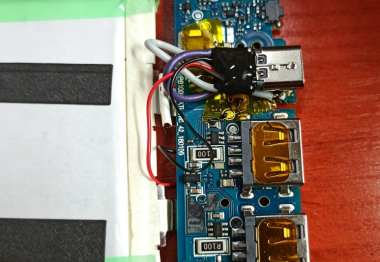
If you are interested in DIY Type-C charging port modifications, you may want to take a look at this article.
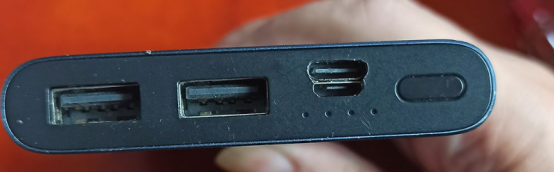
If you happen to have a MicroUSB power bank and still need to carry two cables every time you go out, which is very inconvenient, you might come up with the idea of modifying the power bank into a Type-C charging port.
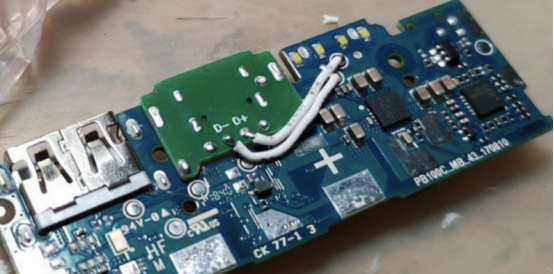
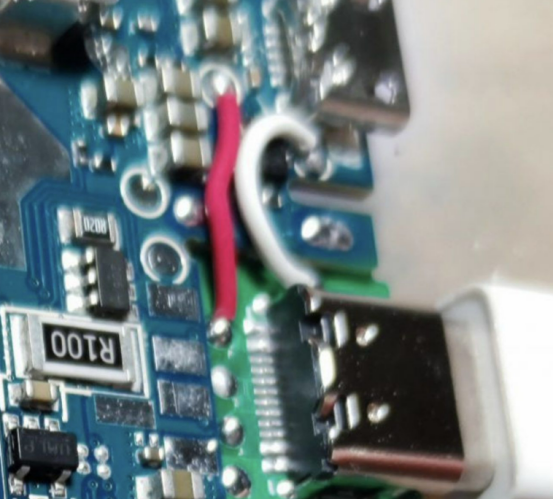
These are the four soldering points you need to work on, and you just happen to have a Type-C female socket.
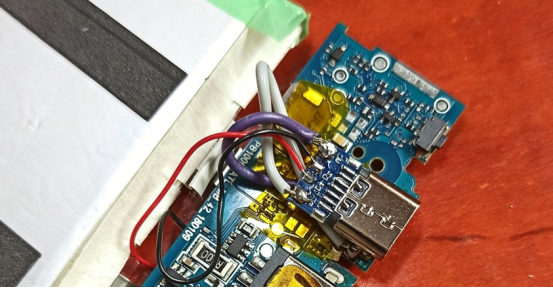
Power + and Power - are on the front side of the board, and you should solder them using two relatively thick wires.
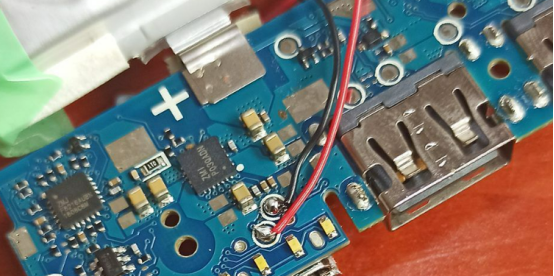
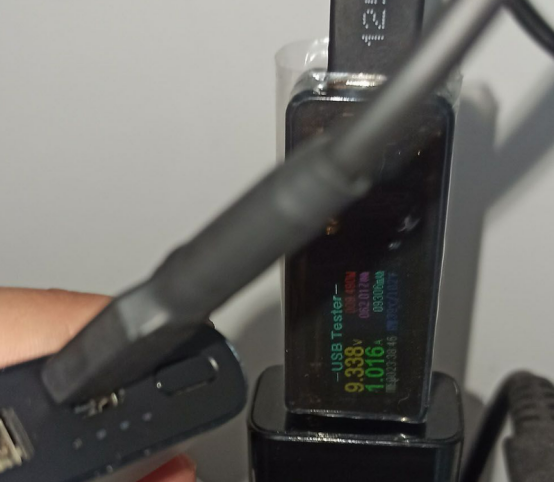
Signal + and Signal - are on the back side of the board, and after soldering them properly, you test it and find that charging works successfully, including fast charging.
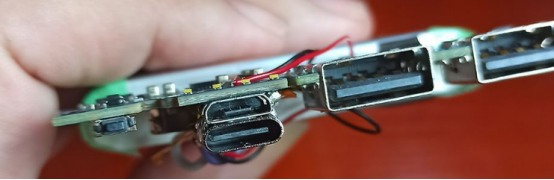
Because the female socket board is a bit long, the Type-C socket cannot be installed in the switch slot, so you directly install it behind the MicroUSB port.

First, you fix the two female sockets firmly with epoxy glue, and then solder both sides together with solder to make the connection strong enough.
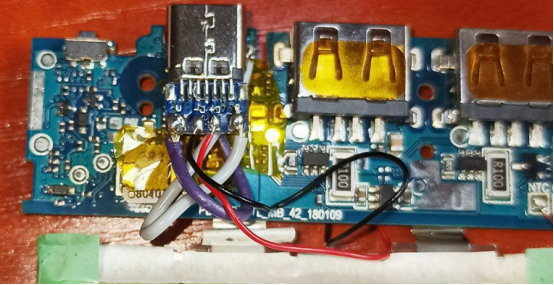
After soldering, you use high-temperature tape to make simple insulation between the board and the main PCB.
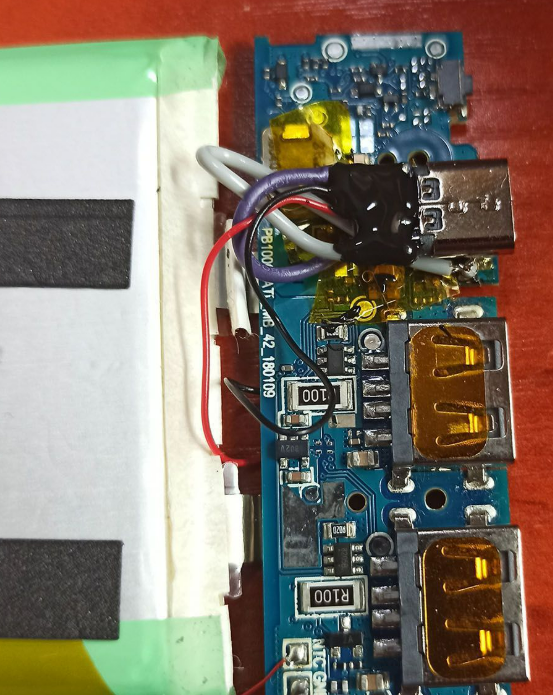
Finally, you seal the Type-C board with 704 adhesive to prevent solder joints from coming loose later.
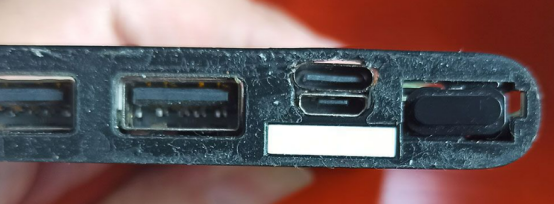
You start manually carving the inner board, and the outer decorative panel is also carved. After everything is installed, this is the final finished product, and both charging ports are retained so you can use whichever one you prefer.
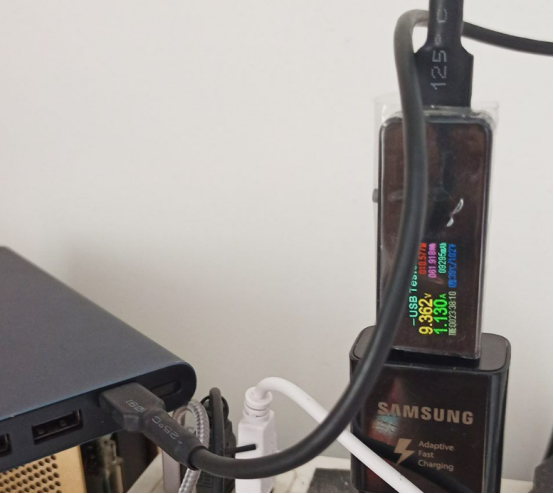
18W fast charging works without any issue.
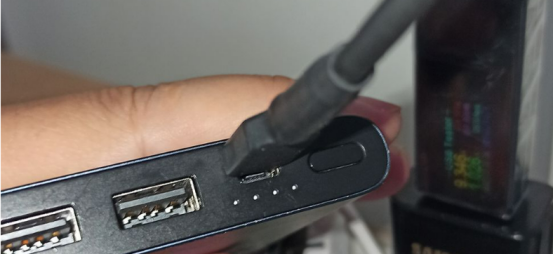
When you plug in the Type-C connector, a small part of the MicroUSB port is still visible.
In the middle, you connect the CC pin of the Type-C port to the shell ground and solder it to complete the modification.


