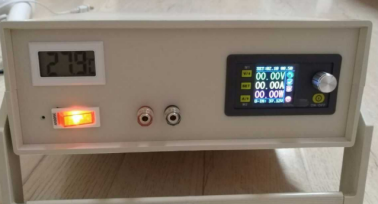
DIY Digital Control Power Supply


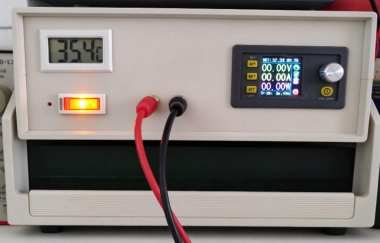
If you are interested in building a DIY digital control power supply, take a look at this project.
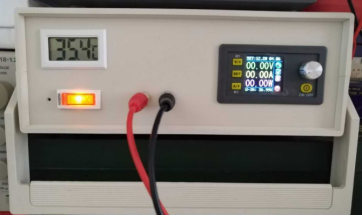
First, take a look at the finished product.
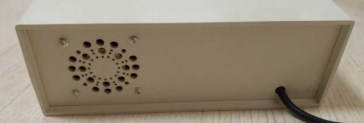
Here is the opening for the cooling fan on the back panel.
Below is the construction process.
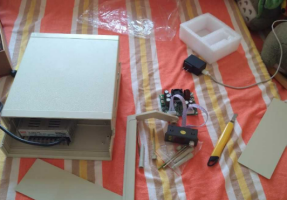
The following picture shows the materials you will need for this project.
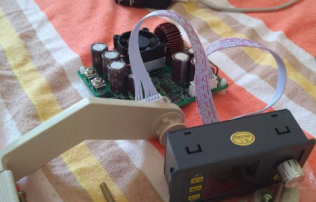
This is the adjustable section, featuring a Riden 50V 20A digital control power supply module.
Choose a Mean Well power supply, which provides sufficient power for this project.
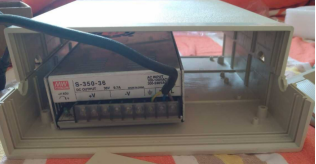
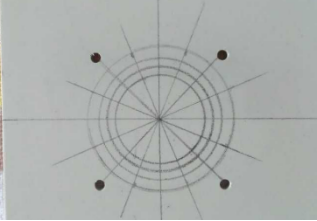
DC voltages below 36V are generally within the relatively safe voltage range. First, cut the opening for the cooling fan and mark the positions for the fan mounting screws.
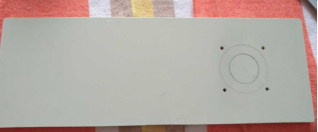
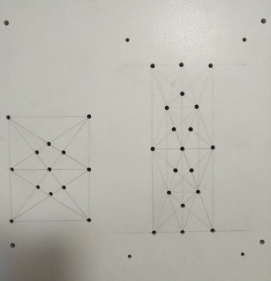
Draw guide lines to make drilling easier and keep the holes neatly aligned for a cleaner appearance.
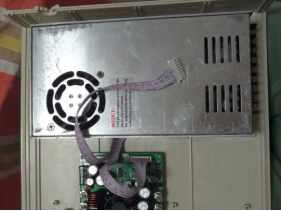
Drill the mounting holes and ventilation holes in the bottom panel. Secure the power supply and adjustable module to the base with screws. Mount the fan on the rear panel to exhaust hot air. This setup draws cool air in through the bottom, passes it over the internal power supply and module, and then exhausts the warm air through the fan to provide cooling. Bottom air intake also helps reduce dust buildup, so you will need to open the enclosure for cleaning less frequently.
Secure the power supply and module firmly in place. Use screws to ensure that the components remain stable and do not loosen easily.
Position the front panel components to check their layout. Add a thermometer to create a more balanced appearance on both sides of the panel. You can also disguise it as an indoor thermometer. When you leave the power supply unused for an extended period, the display will indeed show the indoor temperature. Replace the original small switch with an illuminated neon switch. It looks particularly attractive when lit and looks better than an LED indicator. Use temporary output terminals for now, and plan to replace them with gold-plated speaker connectors.
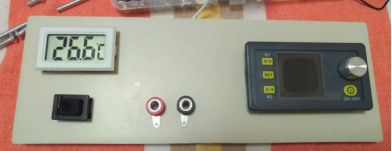
Cut out the panel openings and use silicone-insulated wires designed for model aircraft throughout the enclosure. These wires are flexible and highly heat-resistant.
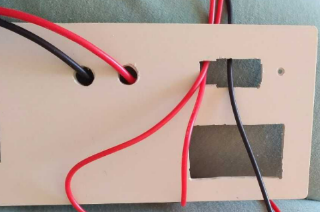
Solder silicone wires to silver-plated U-shaped connectors. Use these connectors to link the digital control module to the output terminals and to connect the main power supply to the digital control module.
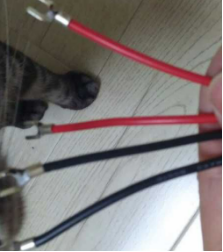
At this stage, your project is still a semi-finished prototype, and the output terminals have not yet been replaced. Pull out the silicone wires to test the output first.
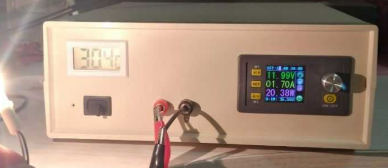
Replace the output terminals and upgrade the fan with a temperature-controlled system that automatically adjusts its speed according to the temperature. Set the fan to run at its lowest speed below 40°C and spin faster as the temperature rises. Use a powerful 12V 2A fan to provide more than enough cooling capacity. In this setup, power the fan using a separate power supply board set to 7V. The fan can start at 5V, and its airflow is already quite good at 6V. Use a separate temperature probe to control the fan speed.
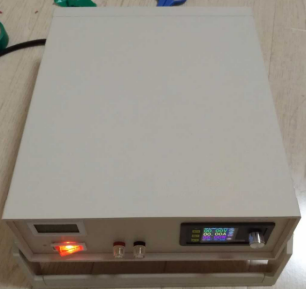
Your DIY digital control power supply is now complete, and it is very practical to use.