
DIY Multimeter Lithium Battery Upgrade Guide


If you're interested in converting your multimeter to run on a lithium battery, this article is worth a look.
The 9V stacked battery in a multimeter you've used for years is almost dead—what should you do? You can prepare a charging + boost converter board for a lithium battery and use this boost board to modify your multimeter's power supply. That way, you won't have to keep worrying about forgetting to turn it off.
For this mod, you'll need a lithium battery. You can buy one online, or salvage one from old electronics, like a discarded earbud charging case. Let's do the modification step by step in this article.
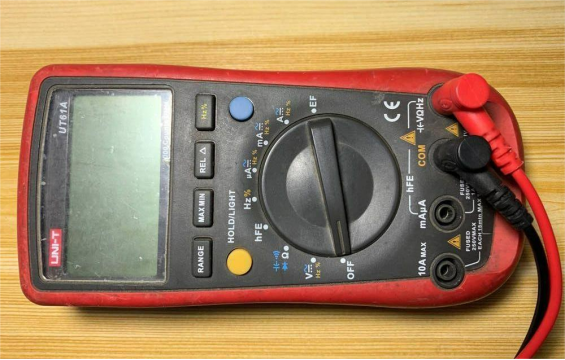
Below is the multimeter that will be modified.
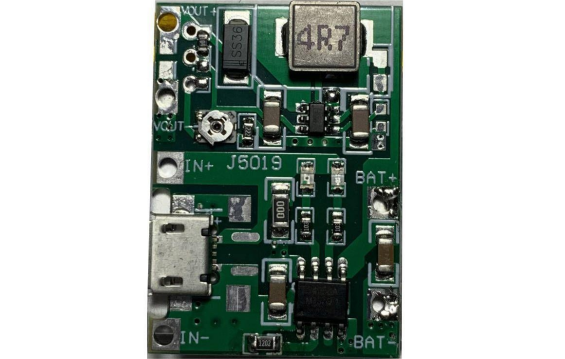
The real charging + boost board is shown below.
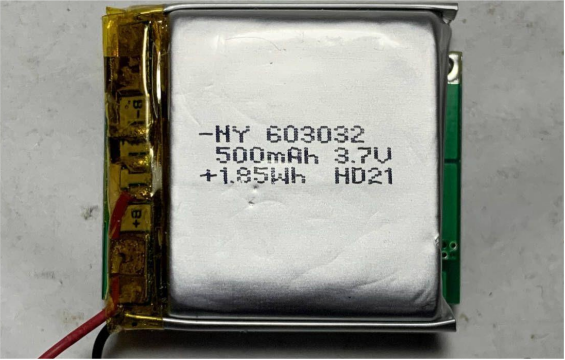
The lithium battery taken from the earbud case is shown below.
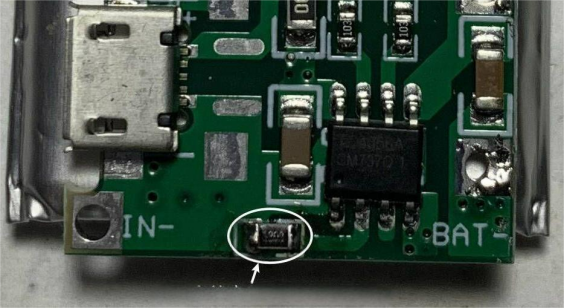
The charging chip is TC4056. The charging board defaults to a 1A charging current, which is too high and may damage a 500mAh battery. So you must reduce the charging current to about 100mA. You can replace the 1.2K resistor with a 12K resistor. As circled in the picture below, after doing this the charging current will be successfully reduced.
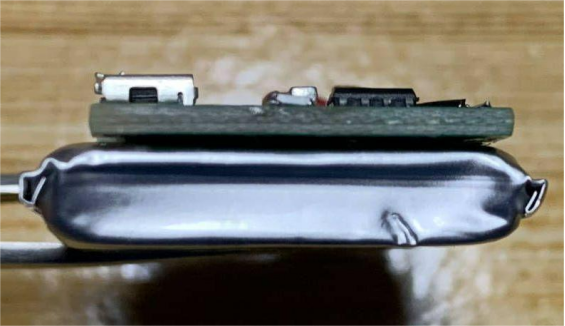
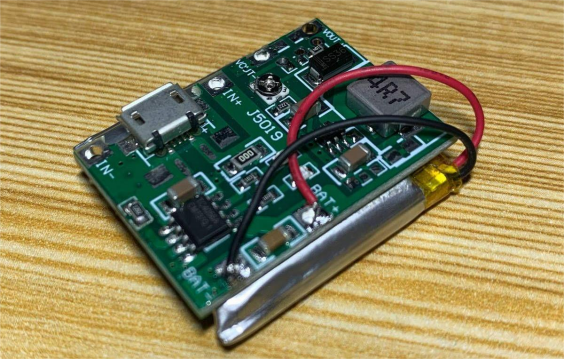
You also need to stick some double-sided tape on one side of the battery and attach the charging board to the surface of the battery.
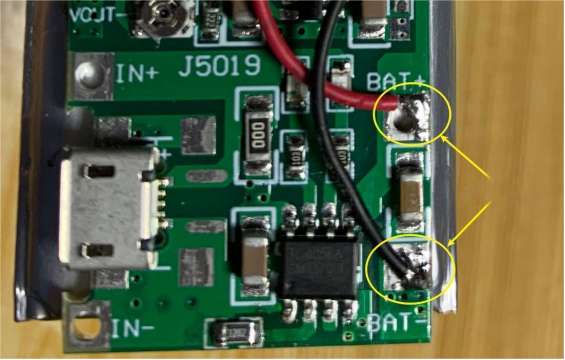
Next, solder the two power wires from the battery to BAT+ and BAT- on the charging board, as circled in the picture below.
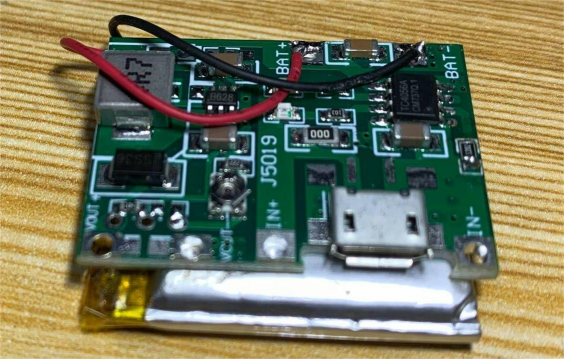
The finished result after soldering is shown below.
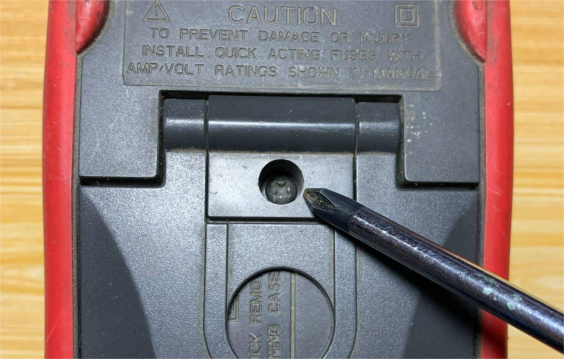
Then you need to unscrew the screws on the back of the multimeter.
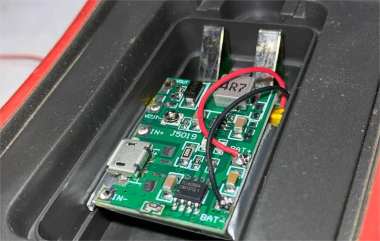
There is still some space inside the battery compartment of the multimeter.
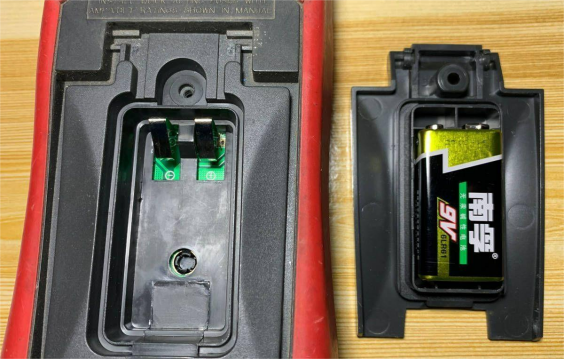
Next, put the battery into the compartment—it fits just right.
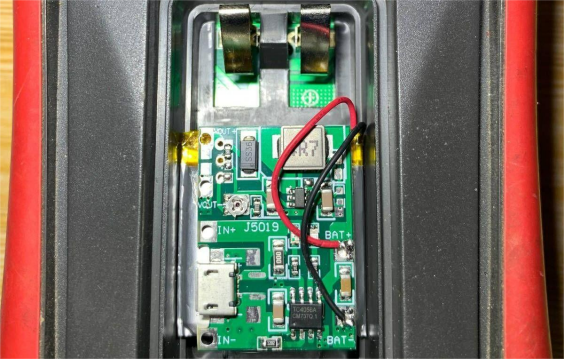
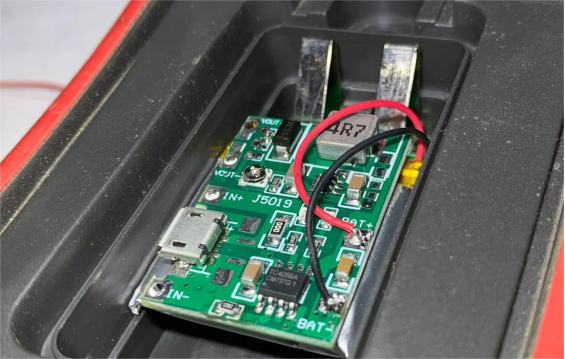
On the VOUT+ and VOUT- terminals of the boost board, you need to solder two wires to supply power to the multimeter.
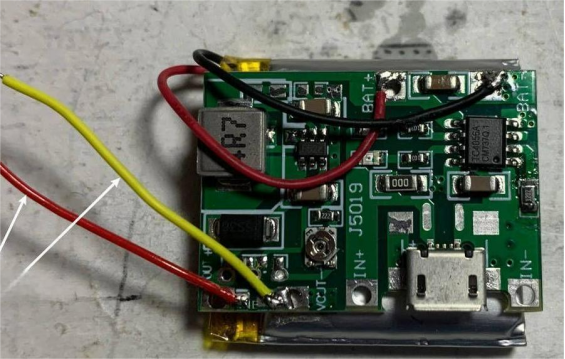
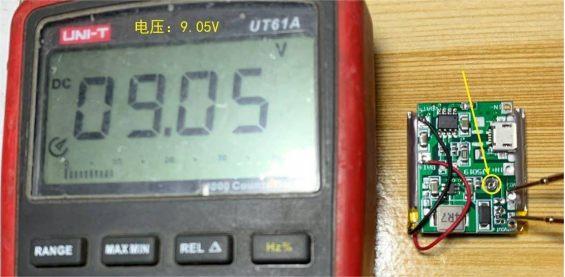
Also, adjust the knob on the boost board so the output voltage is 9V.
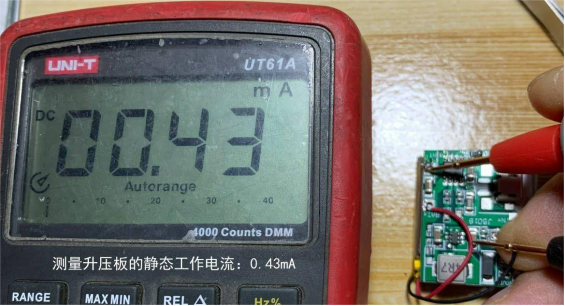
Next, measure the idle current of the boost board with no load. If the result is the same as shown below, 0.43mA (430uA), then with a 500mAh battery: 500mAh / 0.43mA = 1162.8 hours, which is about 48 days. So you can choose to recharge it about once a month.
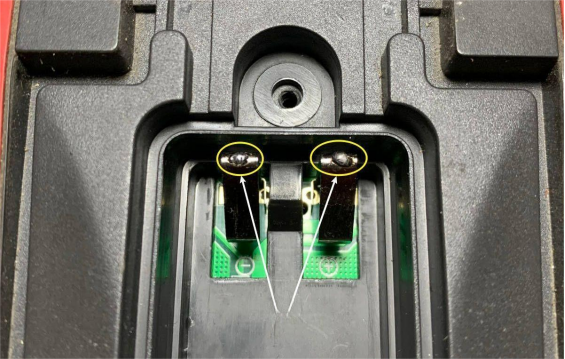
Next, tin the metal battery contacts inside the multimeter, as circled in the picture below, so it's easier to solder the power wires later.
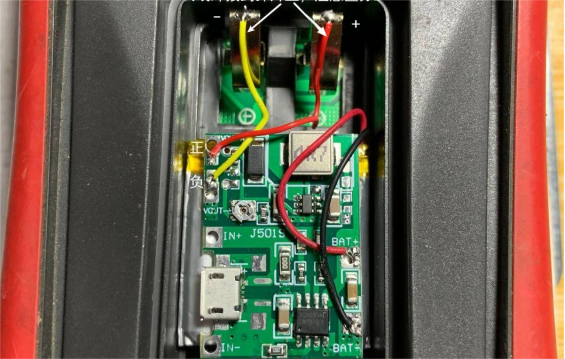
Then solder the two wires you just prepared onto the metal contacts, making sure to connect the correct polarity.
After that, you can close the cover. If the cover doesn't fit properly, carefully check whether the battery's outer wrapping is too bulky at the seam. You can press the seam flat gently without damaging the battery, and then close it again.
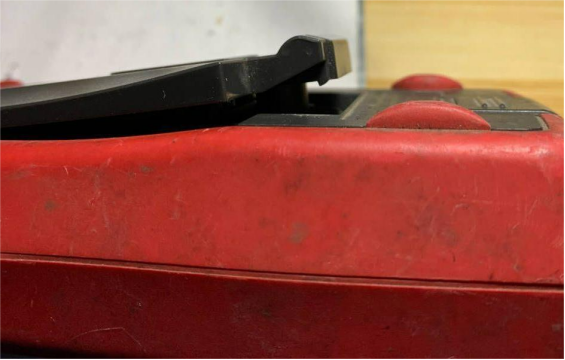
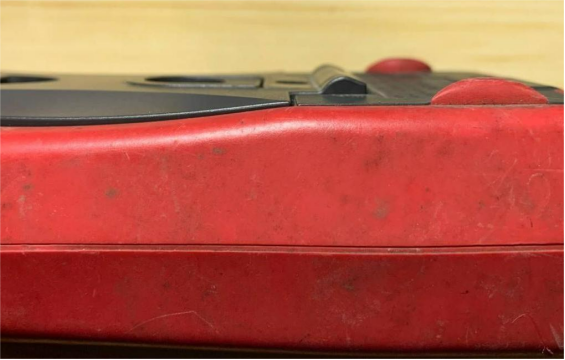
Now you can turn the multimeter's rotary switch, and if numbers appear on the screen, it's working.
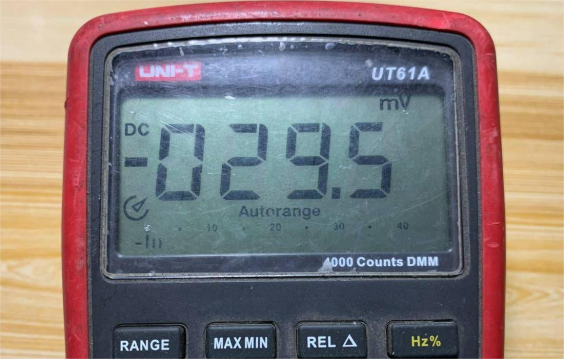
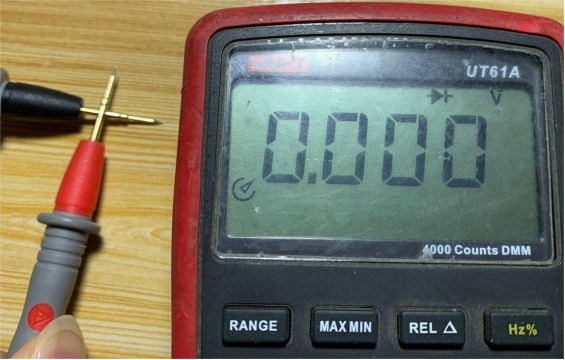
Before, in diode test mode, shorting the probes would show a low-battery icon. This time, when the probes are shorted, the low-battery warning does not appear.
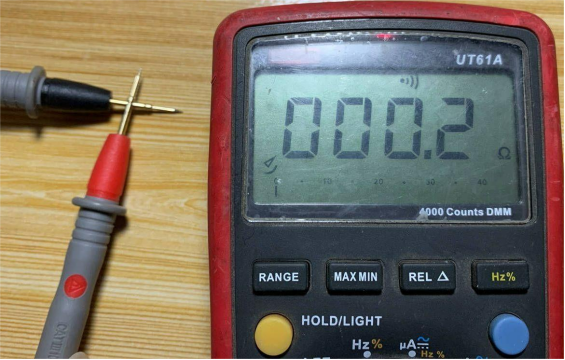
Before, in continuity mode, shorting the probes would also show a low-battery icon. This time, when the probes are shorted, the low-battery warning does not appear.
At this point, the lithium battery conversion for the multimeter is complete.


